

Close Menu
GamesHorizonGamesHorizon
  • News
  • Guides
  • Reviews
  • Features
  • Platforms
    • PC
    • PS5
    • Xbox Series S
    • Nintendo
    • PS4
    • Xbox One
  • Anime
  • Game Hubs

Subscribe to our Newsletter

Get the latest gaming news, guides and reviews from GamesHorizon to your INBOX!

WHAT'S HOT
Delta Force All Keycard Locations New Map AZ3

All Keycards Location of AZ3 New Map in Delta Force

July 4, 2026
Path of Exile 2 Monastery of the keepers Location Area with Genesis Tree

Path of Exile 2: Everything You Need to Know About Grasping Orchid

July 4, 2026
game end

Supermarket Chaos – Storage Tips & How to Deal with Limited Space

July 4, 2026
Facebook X (Twitter) Instagram Pinterest
  • Starfield
  • REPLACED
  • Alabaster Dawn
  • Outbound
  • The Adventures of Elliot
GamesHorizonGamesHorizon
  • News
    Aceles or Mircobe in Starfield

    Starfield’s performance on PS5 leads to players demanding refunds

    April 13, 2026
    A Rockband poster with someone playing a guitar in front of others playing instruments

    Rock Band 4 Is Getting Delisted This Month

    October 1, 2025
    Xbox Series X and Series S placed together on a table.

    Microsoft’s Website Crashes as Gamers Boycott Xbox Pay Everywhere Over 50% Price Hike

    October 1, 2025
    Ubisoft’s New ‘Vantage Studios’ Gives Its Franchises to the Guy Whose Last Gig Was an Anime Avatar AI/NFT Startup - - News | | GamesHorizon

    Ubisoft’s New ‘Vantage Studios’ Gives Its Franchises to the Guy Whose Last Gig Was an Anime Avatar AI/NFT Startup

    October 1, 2025
    Fortnite Peacemaker doing a nazi symbol

    Fortnite Removed an Emote for Racist Origins

    September 29, 2025
  • Guides
    Delta Force All Keycard Locations New Map AZ3

    All Keycards Location of AZ3 New Map in Delta Force

    July 4, 2026
    Path of Exile 2 Monastery of the keepers Location Area with Genesis Tree

    Path of Exile 2: Everything You Need to Know About Grasping Orchid

    July 4, 2026
    game end

    Supermarket Chaos – Storage Tips & How to Deal with Limited Space

    July 4, 2026
    Delta Force Season 10 AZ3 Secret Room

    Delta Force Season 10 – AZ3 Secret Room Location

    July 3, 2026
    game poster

    Supermarket Chaos – How to Get & Use Stars

    July 3, 2026
  • Reviews
  • Features
    Assassin's Creed Black Flag Resynced Feature Image

    Assassin’s Creed Black Flag Resynced: All New Additions to the Game

    June 30, 2026
    Starfield Feature Image

    Everything Added to Starfield since Launch

    April 7, 2026
    An overview of the scenery in Dying Light The Beast

    Where Does Dying Light The Beast Take Place?

    September 15, 2025
    First-person combat showcased in Borderlands 4, highlighting its vibrant weapon designs and firefights.

    Borderlands 4 Needs to Have These Features From Borderlands 3

    September 10, 2025
    A screenshot from the games Ender Lilies: Quietus of the Knights, Bō: Path of the Teal Lotus, and Hollow Knight

    Best Games Like Hollow Knight Silksong

    September 9, 2025
  • Platforms
    • PC
    • PS5
    • Xbox Series S
    • Nintendo
    • PS4
    • Xbox One
  • Anime
    Smiling Statue In Solo Leveling, Explained and Answered

    Solo Leveling Statue Smile Explained: The Cruel Creator, System Blueprints, and Season 3 Secrets

    May 26, 2026
    All About Baruka In Solo Leveling

    All About Baruka In Solo Leveling

    March 21, 2024
    9 Strongest Mashle Characters, Ranked

    9 Strongest Mashle Characters, Ranked

    March 21, 2024
    Mashle Season 2 Episode 11 Release Date Details

    Mashle Season 2 Episode 11 Release Date, Time, And Where To Watch

    March 20, 2024
    Solo Leveling Episode 11 Expectations

    Solo Leveling Episode 11: Release Date, Time, And Where To Watch

    March 20, 2024
  • Game Hubs
GamesHorizonGamesHorizon
Home»Guides
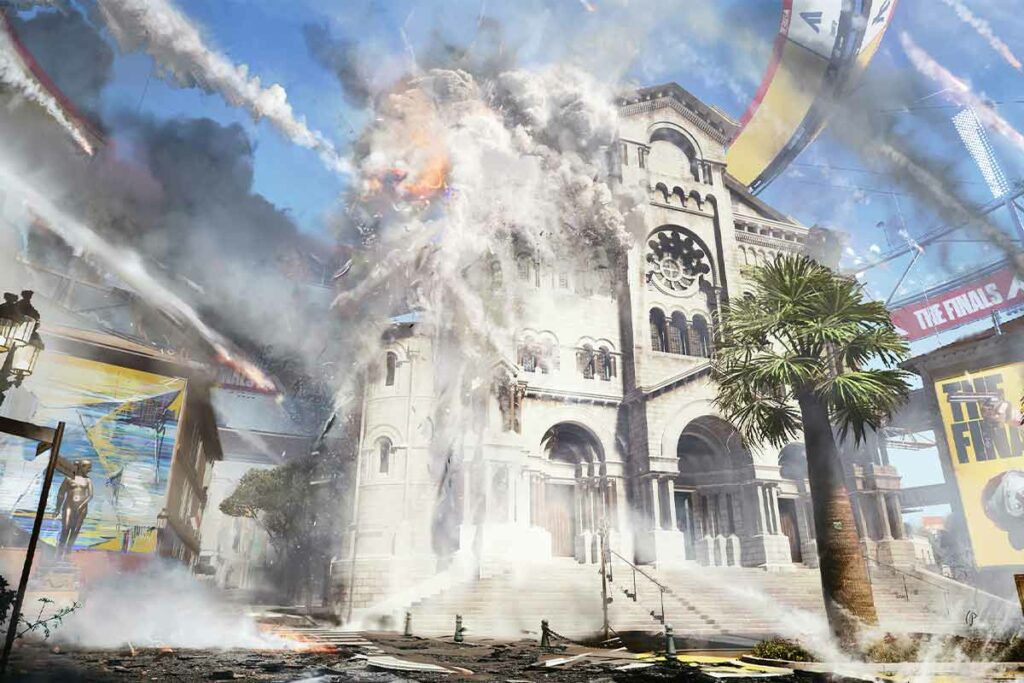
Building getting destroyed by meteor shower in The Finals
(Image via Embark)

The Finals: Out Of Video Memory Error Fix

Junaid ShaikhBy Junaid Shaikh3 Mins Read Guides January 2, 2024
SHARE
Facebook Twitter Reddit WhatsApp Telegram Tumblr

The Finals is a recent free-to-play multiplayer game made by the people behind some of the older Battlefield titles. Naturally, the same type of destruction elements found in those earlier BF titles are present in The Finals. This makes it a quite hardware-intensive game as sometimes it even needs to handle entire buildings breaking into several pieces.

Since this can cause crashes, we have made this guide to give you a potential “out of video memory” error fix for The Finals.

On This Page

  1. The Finals Out Of Video Memory Error Fix Methods

    1. Run In Windowed Mode
    2. Lower Your In-Game Resolution
    3. Delete D3Ddriver And Discovery In Appdata Folder
    4. Use DirectX 11 Instead Of DirectX 12

The Finals Out Of Video Memory Error Fix Methods

The Finals Out of video memory error fix
Image via Embark

Here are all the methods you can try that can potentially fix the “out of video memory” error in The Finals:

Run In Windowed Mode

A simple solution that can lower the video memory needed. Here is how you can do this via Steam:

  1. Go to your Library in Steam and right-click on The Finals.
  2. Here, click on properties and go to the General tab.
  3. In the Launch Options, type “-windowed” without the quotation marks.

Lower Your In-Game Resolution

Since higher resolution requires higher video memory. you can try lowering your resolution. To do this you will need to add a certain command in the Launch Options within Steam. Here are the commands for some of the resolutions that are used often:

  • -w 1280 -h 720 (Half HD 720p)
  • -w 1920 -h 1080 (Full HD 1080p)
  • -w 2560 -h 1440 (2k 1440p)

Also Read: Can You Access The Finals Stats Tracker?

Delete D3Ddriver And Discovery In Appdata Folder

A weird fix that can potentially get rid of the Out of Video Memory error in The Finals is to delete the files D3Ddriver and Discovery. Here is how you find it and delete it:

  1. Press Windows Key + R, type Appdata in the box that pops up, and press Enter.
  2. Navigate to local > Discovery > saved.
  3. Here, delete the two files that start with D3Ddriver and Discovery.

Use DirectX 11 Instead Of DirectX 12

For some users, using DirectX 11 instead of DirectX 12 seems to have stopped causing the error. Since the game doesn’t allow you to change that in its settings, you will have to add that in the Launch Options of Steam, here is how to do it:

  1. Right-click on The FInals in your Steam Library.
  2. Click on Properties and go to the General tab.
  3. In Launch Options, type the command “-d3d11” without the quotation marks.

Those were all potential The Finals Out of video memory error fix methods. You might also be interested in knowing if there is SBMM in The Finals.

The Finals
Share. Facebook Twitter Reddit WhatsApp
Junaid Shaikh
  • X (Twitter)
  • LinkedIn

Junaid is a Game Guides Expert & Review Writer at GamesHorizon. He spends his time playing and absorbing information from all the latest games and providing detailed explanations to everything within it. If not that, he is probably racing JDM cars on his sim racing wheel or fighting bosses in an RPG.

LATEST POSTS

Delta Force All Keycard Locations New Map AZ3

All Keycards Location of AZ3 New Map in Delta Force

Path of Exile 2 Monastery of the keepers Location Area with Genesis Tree

Path of Exile 2: Everything You Need to Know About Grasping Orchid

game end

Supermarket Chaos – Storage Tips & How to Deal with Limited Space

Delta Force Season 10 AZ3 Secret Room

Delta Force Season 10 – AZ3 Secret Room Location

game poster

Supermarket Chaos – How to Get & Use Stars

Path of Exile 2 Raven-Touched shard Feature Image

Path of Exile 2- How to Get the Raven-Touched Shard (& What to do with it)

Diablo 4 Legendary Aspects Farming featured image

Best Farming Method for Legendary Aspects in Diablo 4 Season 14

Path of Exile 2 TIme Lost Jewel Feature Image

Path of Exile 2: How to Get the Against the Darkness Time-Lost Jewel

quest completed

The Seven Deadly Sins: Origin – Take A Photo with Elizabeth Bug Solution

Diablo 4 Across the Threshold

Diablo 4 – Across the Threshold Walkthrough (Season 14)

FOLLOW US
  • Facebook
  • Twitter
  • Instagram
  • Pinterest

Subscribe to our Newsletter

Get the latest gaming news, guides and reviews from GamesHorizon to your INBOX!

MOST READ
15 Best Game Trilogies Of All Time, Ranked - - News | | GamesHorizon
15 Best Game Trilogies Of All Time, Ranked
RPG genre
The Best RPGs Of All Time – Updated For 2025
30 Best PS5 Games To Play In 2025 - - News | | GamesHorizon
30 Best PS5 Games To Play In 2025
40 Best PS4 Games You Shouldn't Miss (Ranked) - - News | | GamesHorizon
40 Best PS4 Games You Shouldn’t Miss (Ranked)
All rights reserved. Copyright © 2023 GamesHorizon.
  • About Us
  • Editorial Standards
  • Privacy Policy
  • Terms and Conditions
  • Contact Us

Type above and press Enter to search. Press Esc to cancel.

GamesHorizon
Powered by  GDPR Cookie Compliance
Privacy Overview

This website uses cookies so that we can provide you with the best user experience possible. Cookie information is stored in your browser and performs functions such as recognising you when you return to our website and helping our team to understand which sections of the website you find most interesting and useful.

Strictly Necessary Cookies

Strictly Necessary Cookie should be enabled at all times so that we can save your preferences for cookie settings.

Analytics

This website uses Google Analytics to collect anonymous information such as the number of visitors to the site, and the most popular pages.

Keeping this cookie enabled helps us to improve our website.