




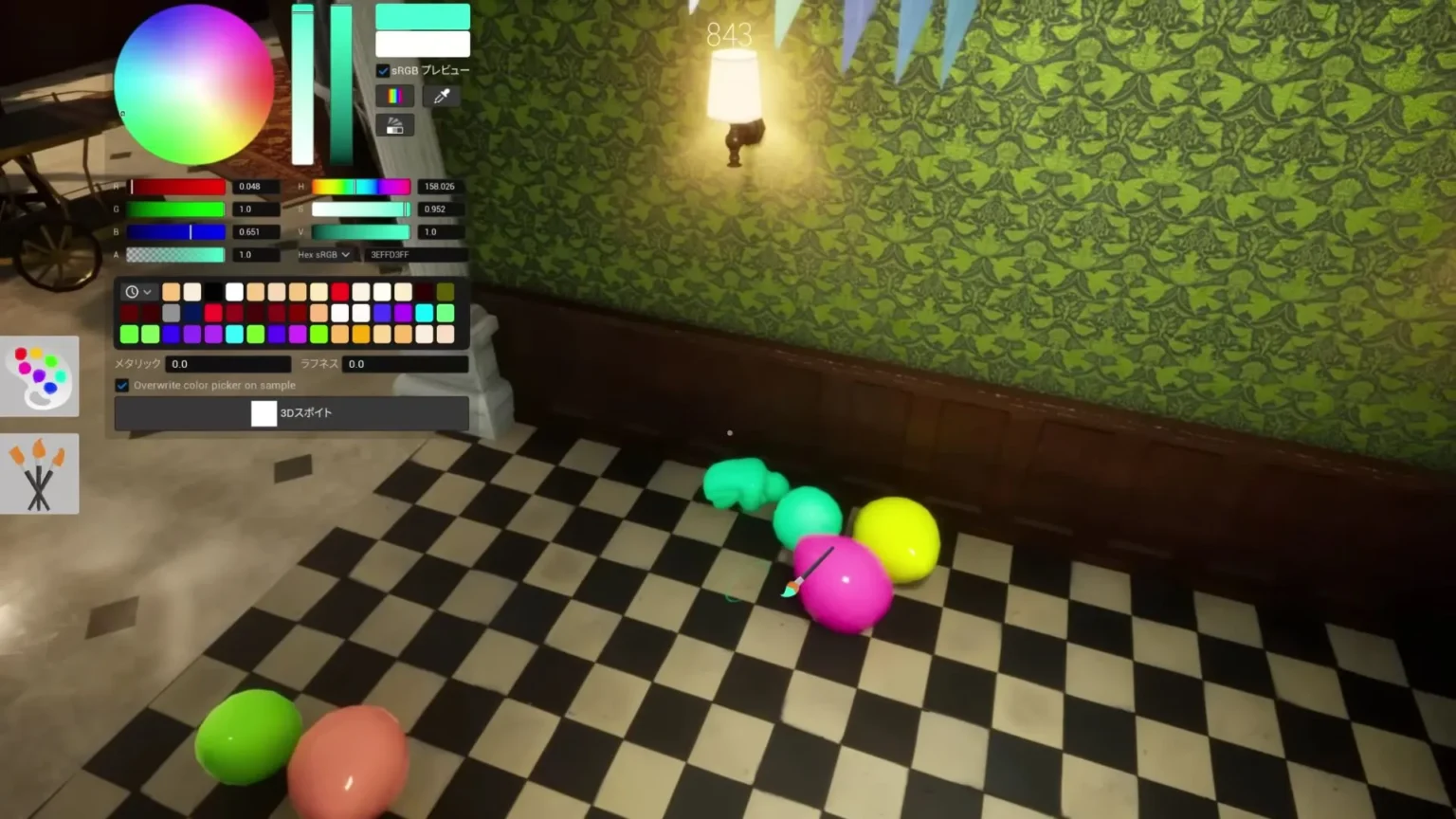

Meccha Chameleon has been steadily climbing up the SteamDB charts for active player count, and, unsurprisingly, many comments are flooding the gaming forums of players wanting to play the game on their Mac systems. So far, there hasn’t been any official confirmation regarding a Mac release for Meccha Chameleon. Luckily, there is a way to make the game run on Mac, but it requires a bit of work.
Here in the guide, we will take a look at the process to make Meccha Chameleon run on Mac and the fixes for the common problems.
Unlocking Meccha Chameleon for Mac
We will make use of third-party apps like Crossover and Sikarugir to make Meccha Chameleon run on Mac. Follow the below-mentioned steps to make this happen:
- First, you will need an app called Crossover, which is an app that makes any of your Windows apps run on MacOS and Linux. The app we will run via Crossover is Steam. Crossover is a paid service with a free trial option.
Note: An alternative to Crossover is Sikarugir, but unlike Crossover, Sikarugir is difficult to set up but it is free of charge. Expect to face more bugs because it is not properly tuned up as Crossover. If you are looking for the best performance number in the Meccha Chameleon, then choose Crossover. If you want to spend little to nothing, just play the game, then Sikarugir is your choice.
- Install Steam on your Mac via Crossover, then install Meccha Chameleon and voila, that’s it, now you will be able ot play the game on your Mac.
Bug Alert
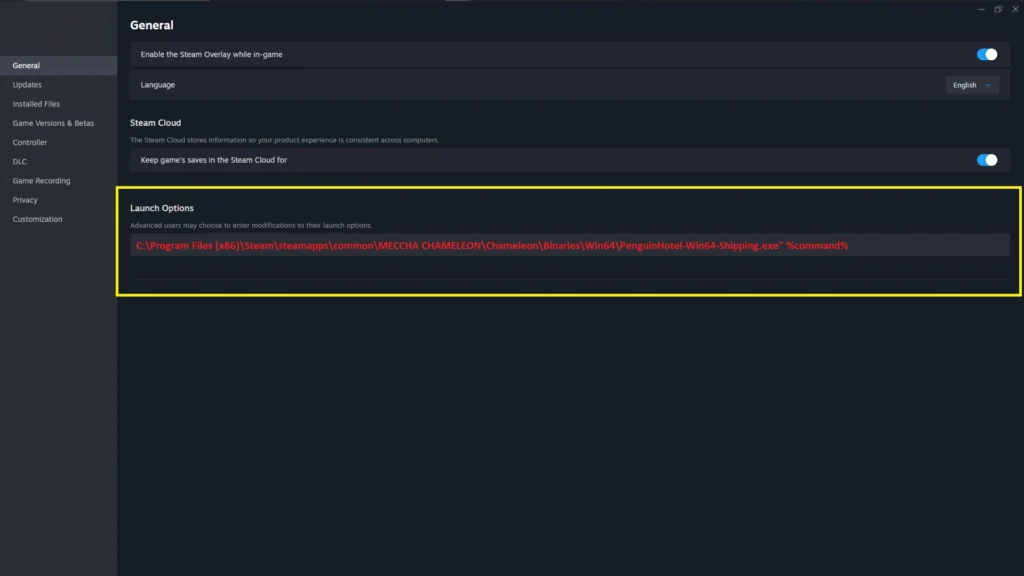
Since we are running a third-party app to run Steam and the Meccha Chameleon on the Mac, there is a chance you will run into some problems. One of the issues you will run into is the “Microsoft Visual C++ 2015-2022 Redistributable (x64) is required to run this program” error.
The only way to fix this bug is by making Steam launch the Shipping.exe directly, skipping the Visual Redistributable ++ check. Here’s how to do exactly that in Crossover:
- First, head over to your Steam Library
- Then click on Meccha Chameleon, go to the Properties section, and select the Launch Options. Here, paste the following:
C:\Program Files (x86)\Steam\steamapps\common\MECCHA CHAMELEON\Chameleon\Binaries\Win64\PenguinHotel-Win64-Shipping.exe” %command%
Bug Fix on Sikarugir:
If you are using Sikarugir, another app for Mac that runs Windows software just like Crossover. You are also going to run into the same problem. The fix stays somewhat the same, but the code for Launch options is a bit different: Paste the following in the Launch Options to solve the issue on Sikarugir.
C:\Program Files (x86)\Steam\steamapps\common\MECCHA CHAMELEON\Chameleon\Binaries\Win64\PenguinHotel-Win64-Shipping.exe" %command% -dx11 -windowed -ResX=1280 -ResY=720
That’s it, now you can play Meccha Chameleon on Mac without any trouble. But do note the game’s performance will not be at the optimal level as the game on Windows.
