



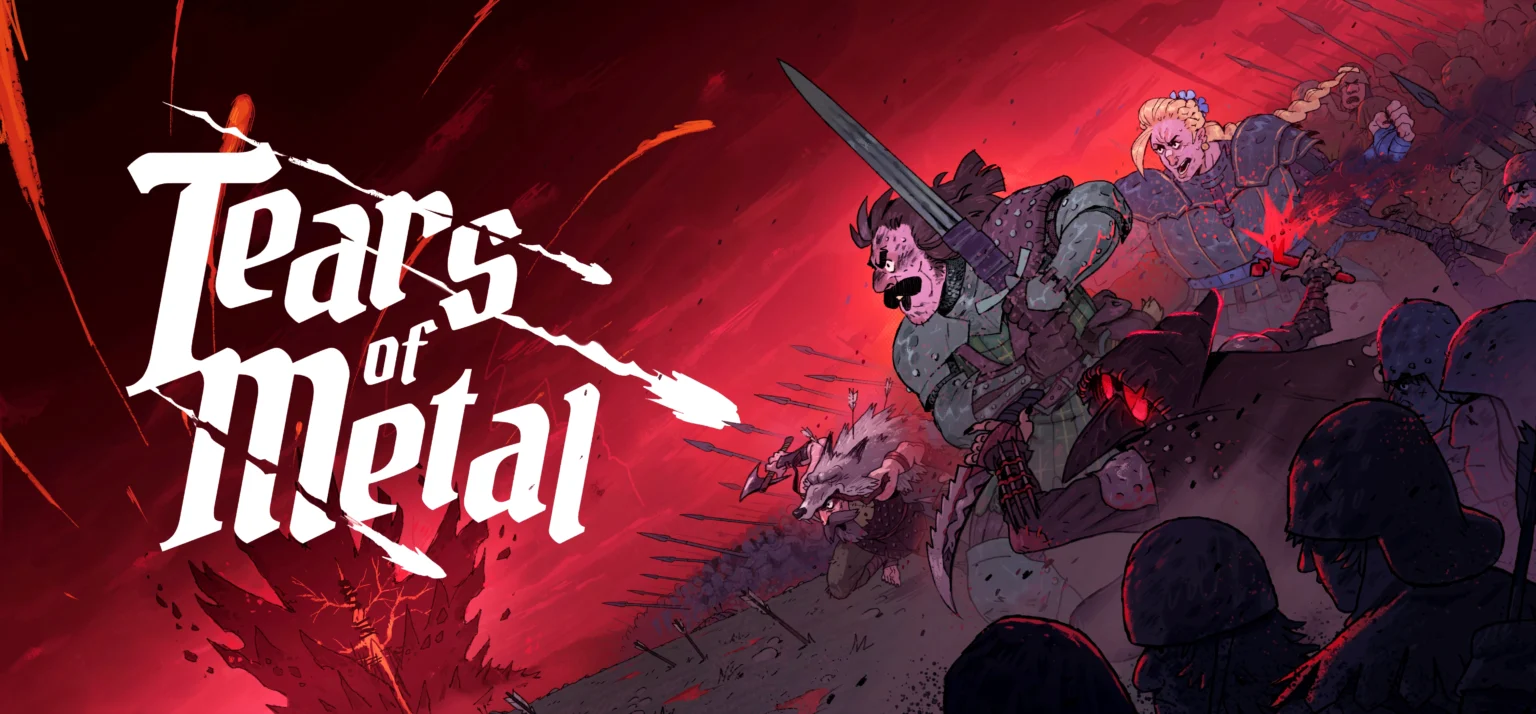

Tears of Metal is a hack-and-slash roguelite game released by publisher Paper Cult. Even though their first dive into the third-person action genre, the game has managed to amass Very Positive reviews on SteamDB while still in early access. And how could it not? Think the Dynasty Warrior games with elements from Hades, all neatly wrapped up in a medieval Scottish setting.
On top of that, Tears of Metal manages to one-up its’ inspirations by adding the option to take out hordes of armies with the help of your friends. In this guide, I will go over how you can play co-op in Tears of Metal.
How To Play Co-op in Tears of Metal
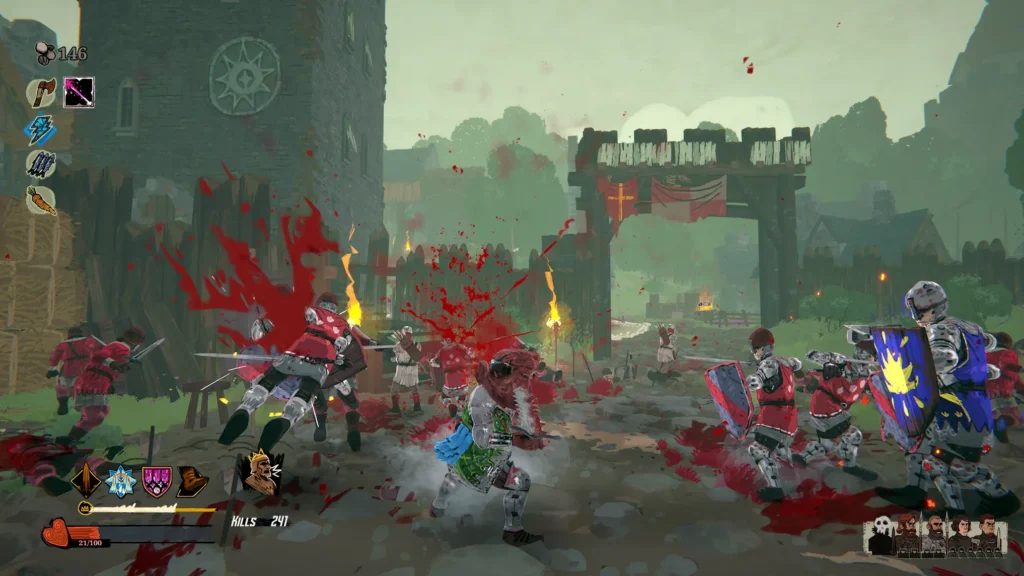
First, let us address the obvious elephant in the room. Yes, Tears of Metal is completely playable as a single person experience. Paper Cult has diligently catered the gameplay to suit all kinds of playstyles, with different characters to choose from and more coming soon. No friends, no problem. As for the co-op, the game has a very standard party size of up to four people. This is a pretty common trope in co-op games, that helps developers maintain balance while keeping up the challenge.
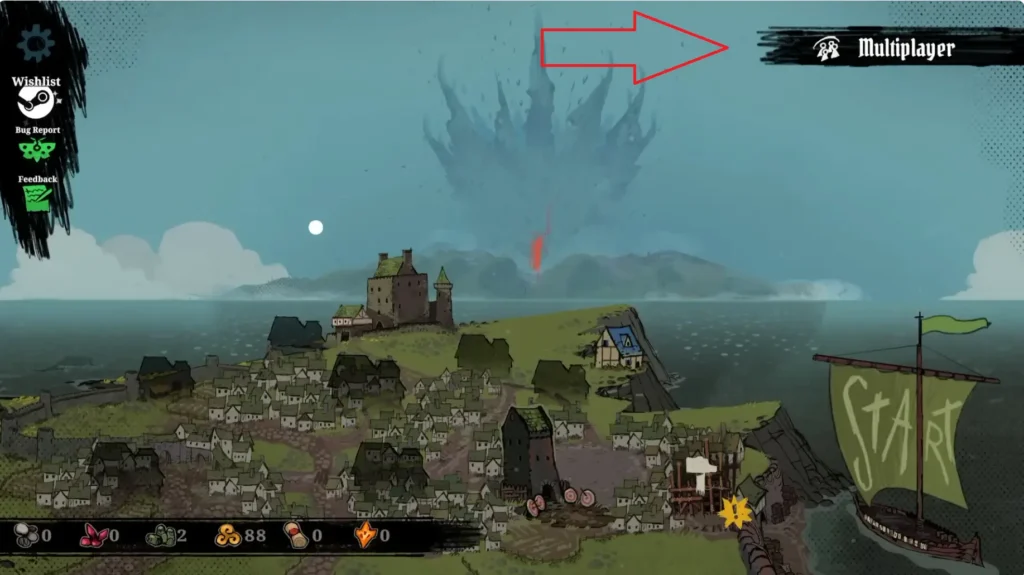
To play co-op in Tears of Metal, simply select the “Multiplayer” option in the top right corner of the base selection screen. You will be taken here after you click “Start Game” in the main menu. In the Multiplayer window, there are four options: Invite Friend, Create Lobby, Join Lobby, Join With Code. Additionally, you can directly join a lobby via a Steam invite.
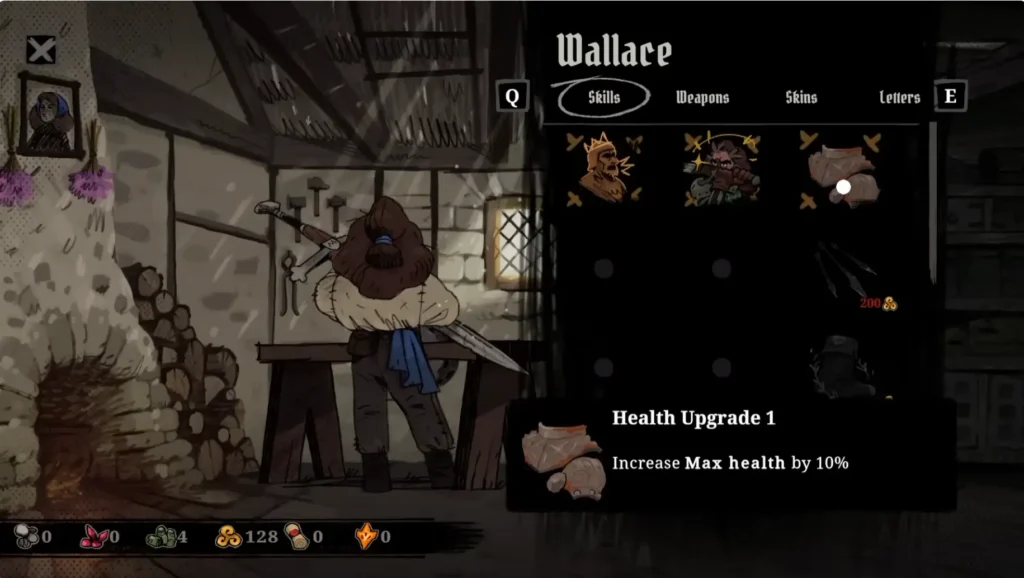
As each title suggests, you can either invite a friend to an already created lobby, create a lobby of your own, join a random lobby, and – this was added in the Early Access version – join with a unique lobby code. You are free to visit House Wallace for upgrades or view Castle Records for your achievements while you wait for people to connect.
Fun Fact: You can see the cursor movement of each member in the party.
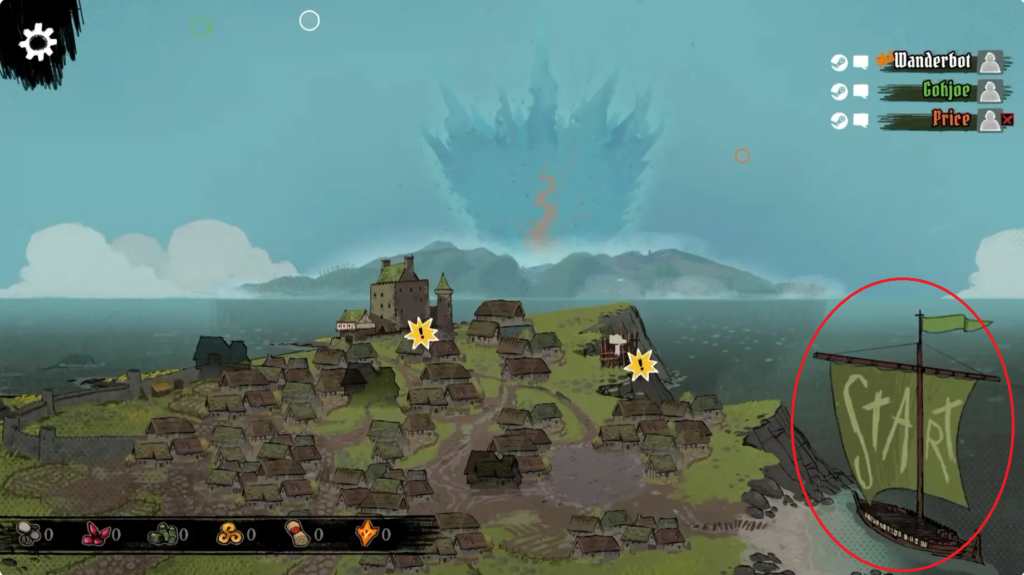
Once ready, click Start in the bottom right, and everyone is taken to the character selection screen. Considering you are reading this, the only character available to you right now is Mr. William Wallace, a sword-wielding melee character. Click on him to get a better insight into his abilities, then select the “To Army Selection” option.
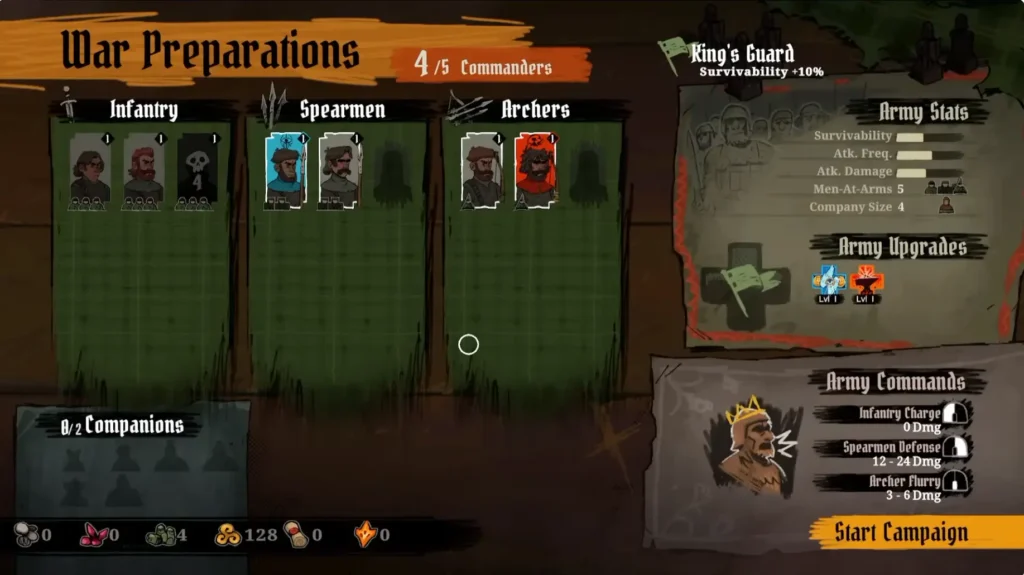
This takes you to the War Preparations section. Here, you can choose two commanders from the three class types: Infantry, Spearmen, and Archers. Each class commander has their unique abilities based on their attack range that allow them to get the upper hand in the field. Mix and match ability combinations with your friends, since they get to pick two commanders for themselves as well.
For example, Spearmen commanders have the ability to knock back enemy troops, and Archer commanders can rain down arrows in an AoE. When used in conjunction, it can deal humongous amount of burst damage in a short time. Imagine this: one teammate uses the knock down ability, with you and another teammate raining down arrows in the area at the same. They stand no chance.
Once you are done selecting commanders, simply choose Start Campaign in bottom right to begin playing. Select a starting location most optimal with your team composition, and all of you are carried away to the battlefield.
