




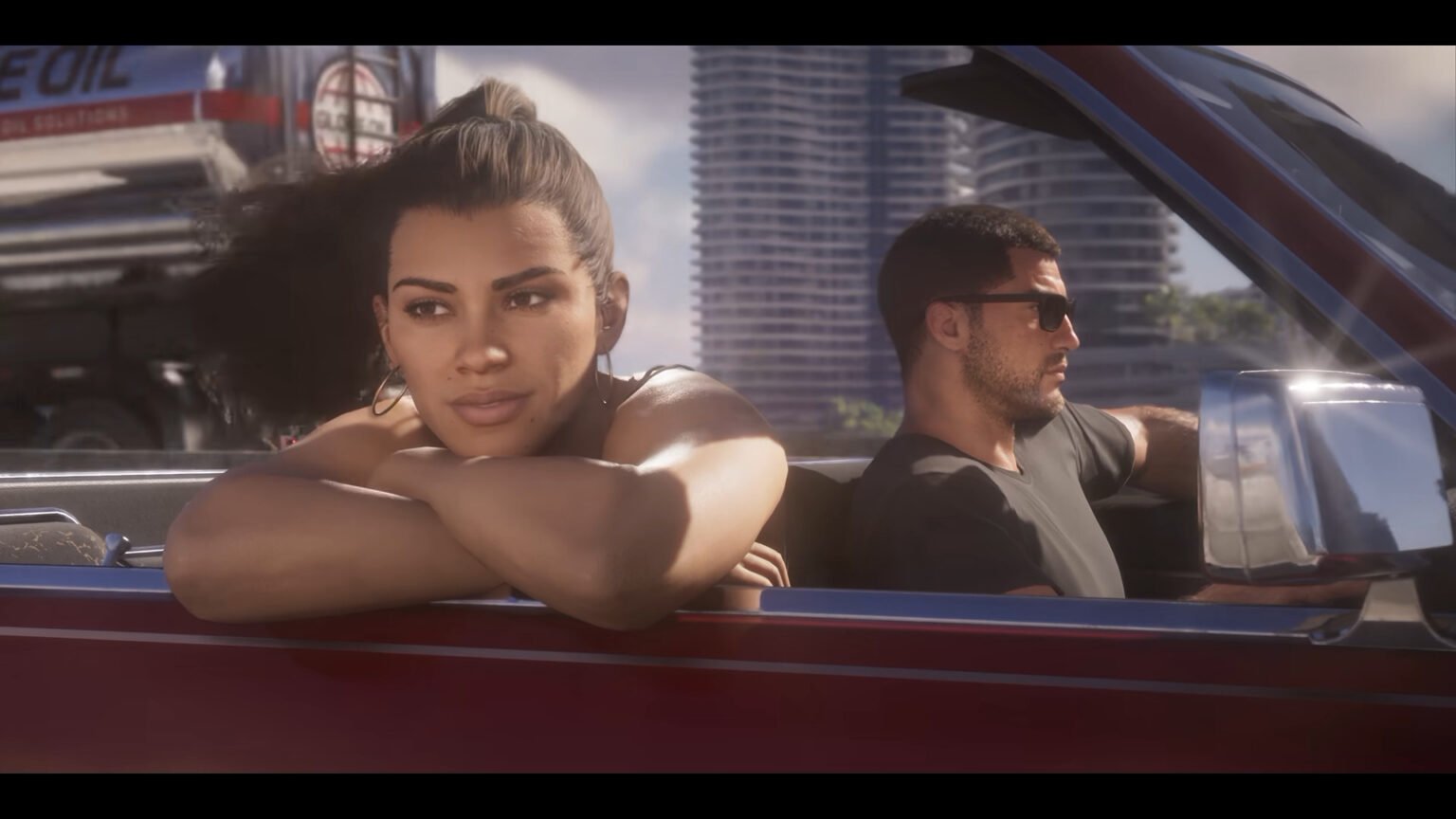

GTA 6 (Grand Theft Auto 6) has finally been released, and you can steal a car, repair it, and do lots of other fun things with it (there can’t be GTA without the auto). There are many in-depth mechanics involving your vehicles, ranging from auto-driving to storing items inside them. Of course, a car is not the only vehicle in the game. You can get a tank and even a fighter jet. Thus, you should definitely be aware of all the tools at your disposal if you want to get around quickly.
How To Drive and Auto-Drive a Car in GTA 6
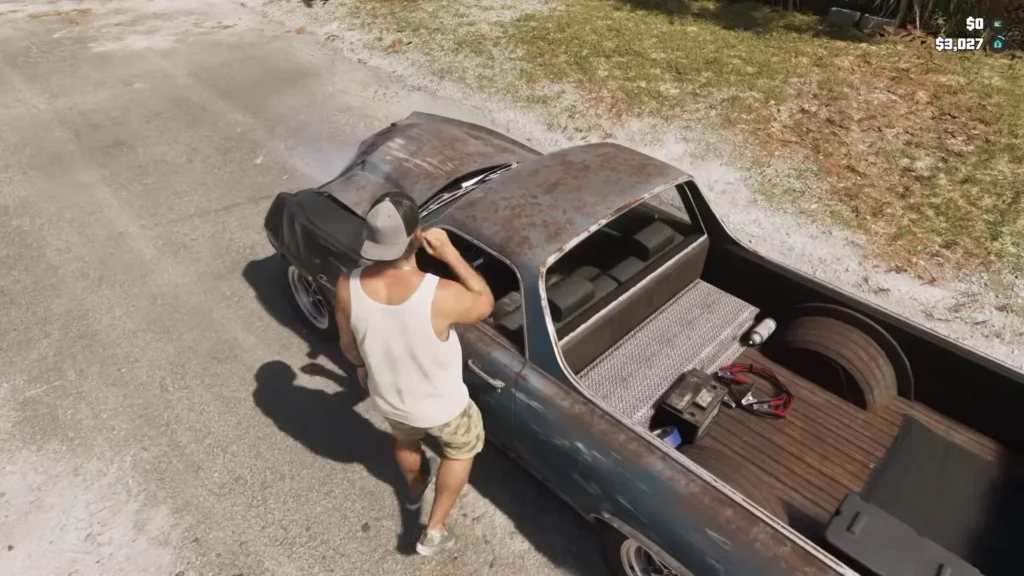
The first things to know are the basics; driving and auto-driving will be a major part of using a car. Walk to the left side of the car’s door and press the following input button:
- Triangle on PlayStation
- Y on Xbox
This will put Jason in the driver’s seat of the car. You can now use the left joystick to steer the car left or right. Here are the acceleration and reversing controls:
- RT/R2 to accelerate
- LT/L2 to reverse
Additional tip: Not many people use it often, but it is handy to note that pressing the right joystick will reverse the camera to show the view behind you. This is handy when you are being chased or while reversing.
Auto Driving
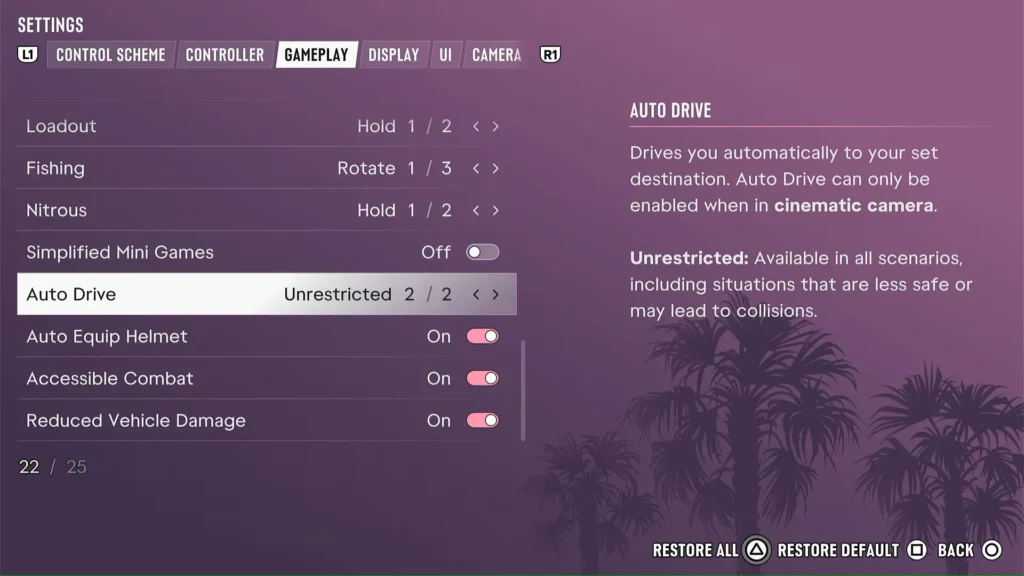
You can also let the game drive the car to your destination. Here is how to enable it:
- Open Settings > Gameplay
- Scroll down to the option that says ‘Auto Drive’
- Set this to Unrestricted
- Now, set a destination you want to get to, while you are driving a car.
- Hold the down D-pad directional button and press the options/menu/start button. This will enable cinematic mode.
- Now, simply hold Circle/B to enable auto-drive. Your car will now automatically drive itself to the destination marker.
How To Steal and Sell a Car in GTA 6
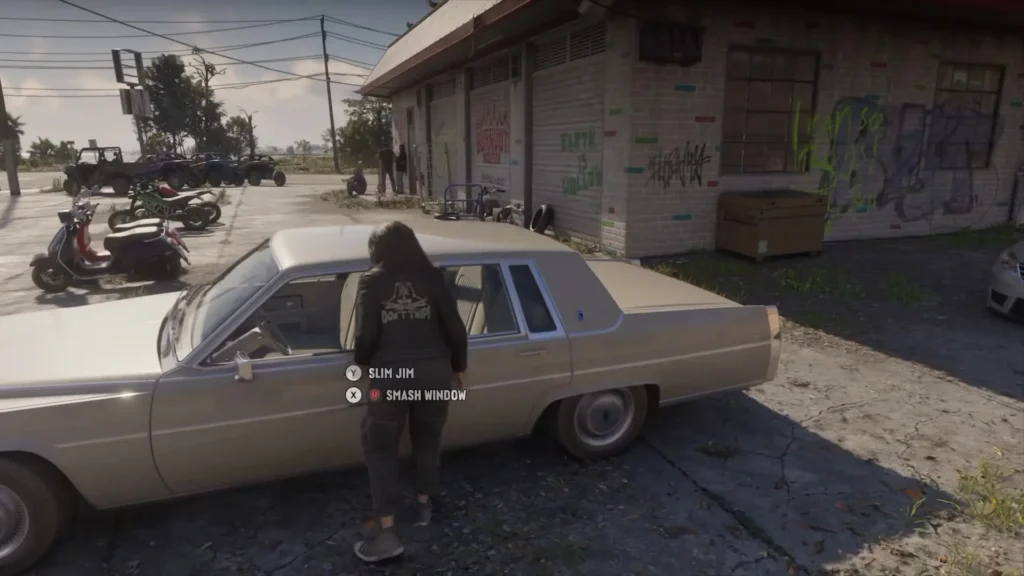
You can steal cars starting from Chapter 2, once you unlock the Slim Jim app. Approach any vehicle that you want to steal and go to the driver’s side door. Try to open it, and it will show you two prompts: break the window or use the Slim Jim app.
If you are in a rush to get away from the police, then break the window and get in. Otherwise, I would always suggest the Slim Jim app to disable the alarm.
Rotate the right and left joysticks in the direction indicated by the UI on screen. Once this is done, you will get inside, and the stealing part is done. Now comes the second part: selling a stolen car.
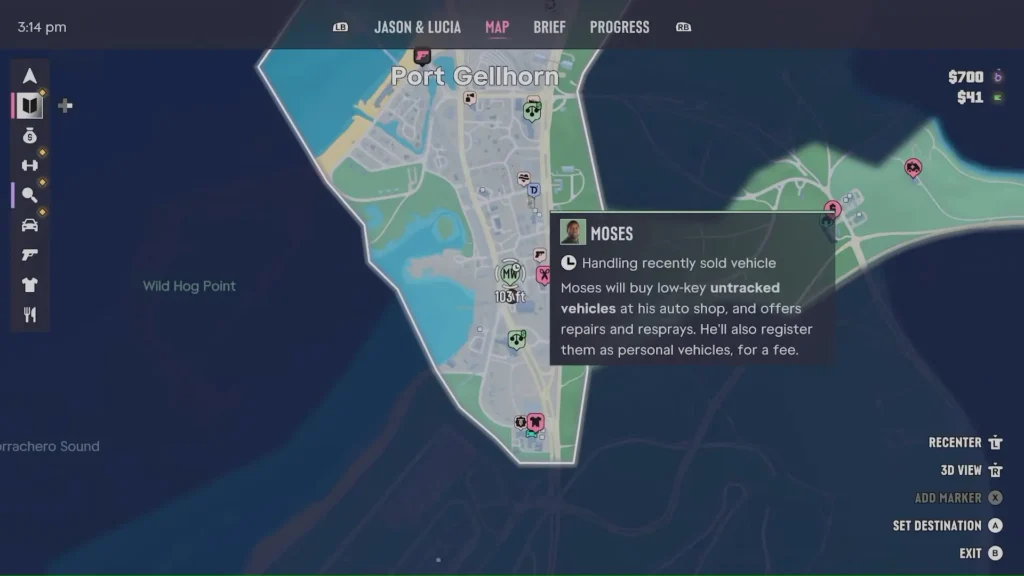
Take an untracked vehicle to Moses’ shop. Drive into the auto shop, and he will take it off your hands. This is one of the easiest ways to earn money in the game early on. There are likely other auto shops in the game where you can sell these cars, but we will have to explore more to find them.
Moreover, Moses can only buy untracked cars. You can know whether a car is tracked or untracked before you steal it. For this, you must scan it first. Below, I’ll show you how to scan a car.
GTA 6 – How To Scan a Car
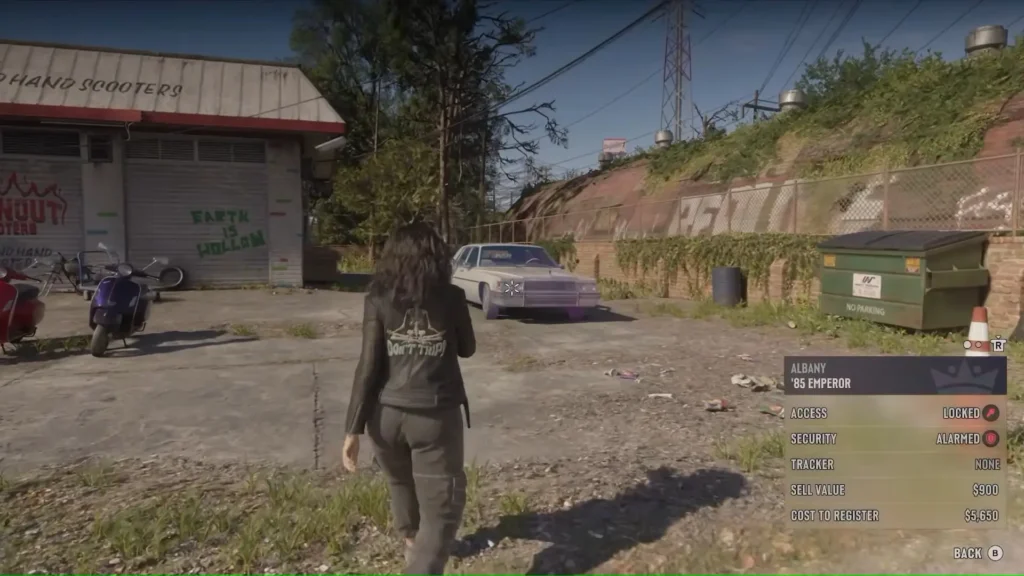
Follow these instructions:
- Press the up D-pad directional button. This will open your phone.
- Scroll to the WAiNK app and open it.
- Now, walk around and face the car you want to scan, and press R1/RB.
This will scan the car and show you lots of information, like its model, security, and tracker, among others.
GTA 6 – How To Spawn, Repair, and Refuel A Car
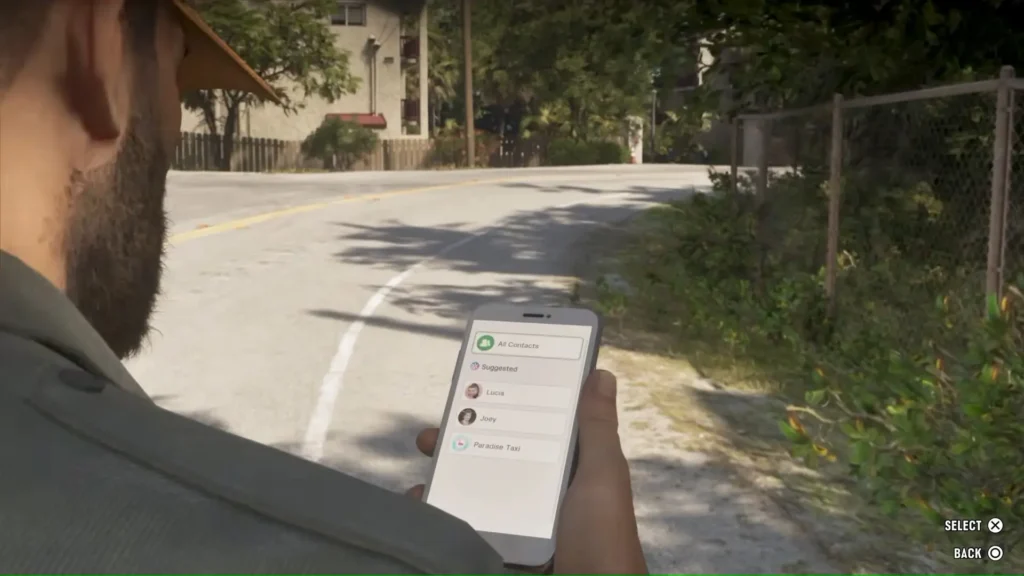
You can get your car to your location instantly without any worries. Even if it has been damaged, it will be repaired and arrive next to you. Here is how to do this.
Pull out your phone and open the contacts screen. Call Joey. That is it. Your car will take a second or two to spawn next to you in pristine condition.
Refueling it is another challenge, albeit an easy one. Open the map and look for fuel pumps. Once you see the nearest one, drive to it. Here, you can refuel, and even repair your car for minor costs.
How To Store Items In Your Car
This is quite simple. Interact with the trunk of your car by pressing Y on Xbox or Triangle on PlayStation. Once the trunk is open, press L1 (on PlayStation) or LB (on Xbox) to open the loadout. You can now store any weapon/item that you are currently carrying.
Hover over the item in your inventory and press X on Xbox, or Square on PlayStation to stow the item. Later, you can open the trunk and take out the items through the same method.
How To Customize A Car
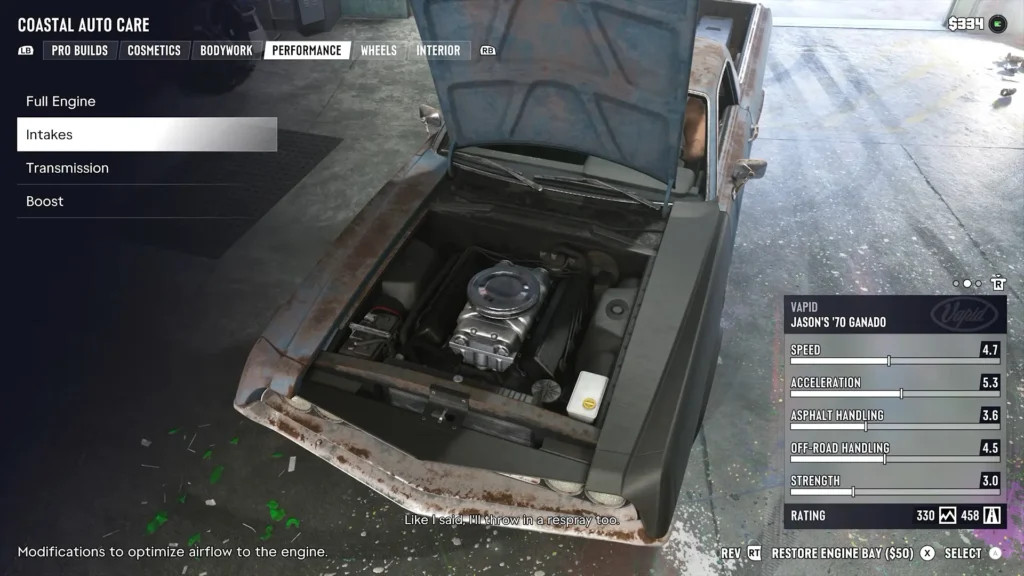
During Chapter 1, you are introduced to Joey and his mod shop. This is the first time you will customize your car during the story. Afterwards, you can visit any one of these 14 shops to get your car customized. There are different menus available that you can use to tune every inch of your automobile. These include:
- Pro Builds
- Cosmetics
- Bodywork
- Performance
- Wheels
- Interior
Every menu has various sub-sections where you can change various aspects of your vehicle. You should focus on the Performance tab first if you want to purely improve the physical stats of the car.
