






Grounded 2 is bringing new challenges to players this time around. If you’ve played the first game, you have an idea of how to survive, but plenty has changed since then.
There are nine essential tips that you can keep in mind, which will make the game much easier to understand. If you can keep yourself focused and remember what to do, you’ll end up the top dog in the backyard.
You Should Analyze Everything
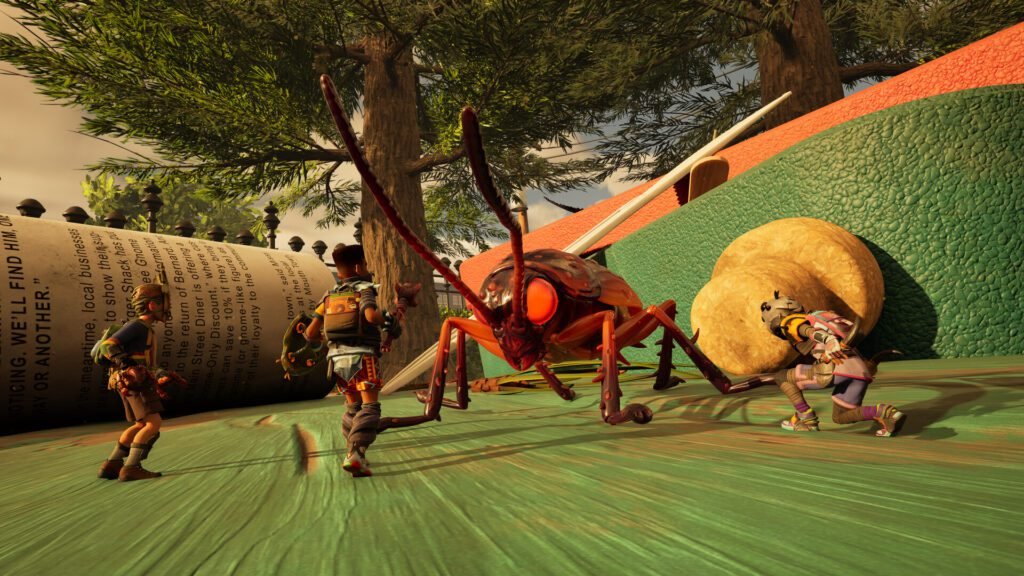
In Grounded 2, you need to carefully examine everything you come across to survive and make progress. Every resource you find, whether it’s small plant fibers or large bug parts, contains hidden information that the Resource Analyzer can reveal. Never underestimate the importance of scanning items thoroughly.
It’s not just about learning what an item does at a basic level. Each time you analyze something, you earn Raw Science, which is an important currency used to upgrade your Omni-Tool and buy necessary recipes from the Science Shop. Even more importantly, analyzing items frequently leads to discovering new crafting recipes.
These blueprints can help you create stronger weapons, more durable armor, useful base-building structures like cookeries or dew collectors, and even decorative items to customize your home. Get into the habit of scanning every new item as soon as you pick it up, especially in the early stages of the game. The Analyzer has a limited number of charges that refill over time, so check back often to get the most out of your research.
Get Armed & Armored Early
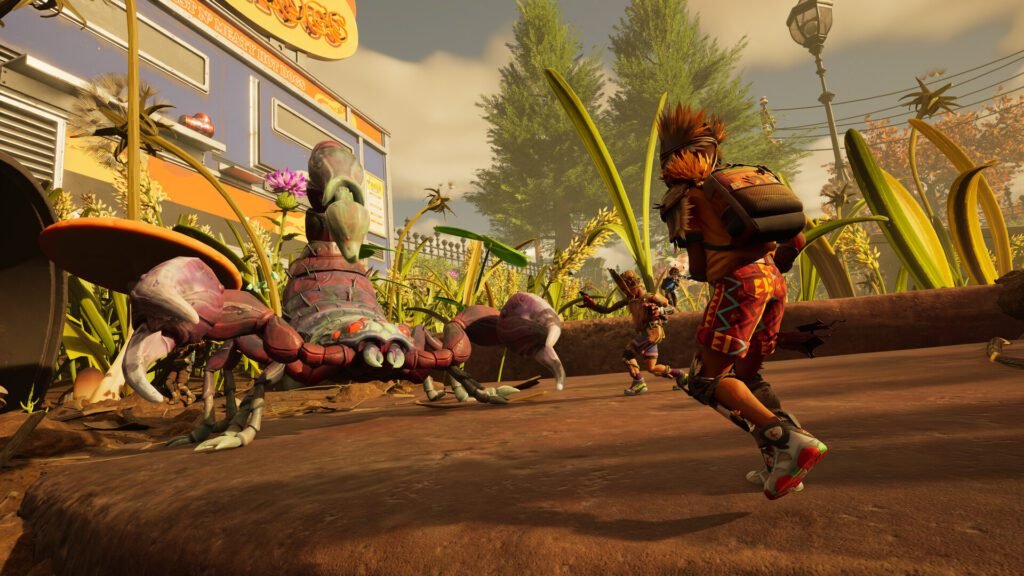
A key tip for staying alive in the dangerous Brookhollow Park in Grounded 2 is to focus on getting weapons and armor early. Even in the areas that seem safe at first, there are hidden dangers, and without the right protection, even small creatures like mites can easily defeat you.
Before you go too far from your base, make simple weapons like a Pebblet Spear to help you in early fights. If you want more options, think about making a bow for attacking from a distance or a Warhammerlet for powerful stun attacks. Both of these can be made from materials you can find easily.
Defense is just as important as offense, so try to craft some armor as soon as you can. The Red Ant armor set is a great choice early in the game because it gives you the protection you need and helps you feel more confident while completing missions and gathering supplies. Do not ignore the threats you face early on.
Prioritize the Buggy Mount
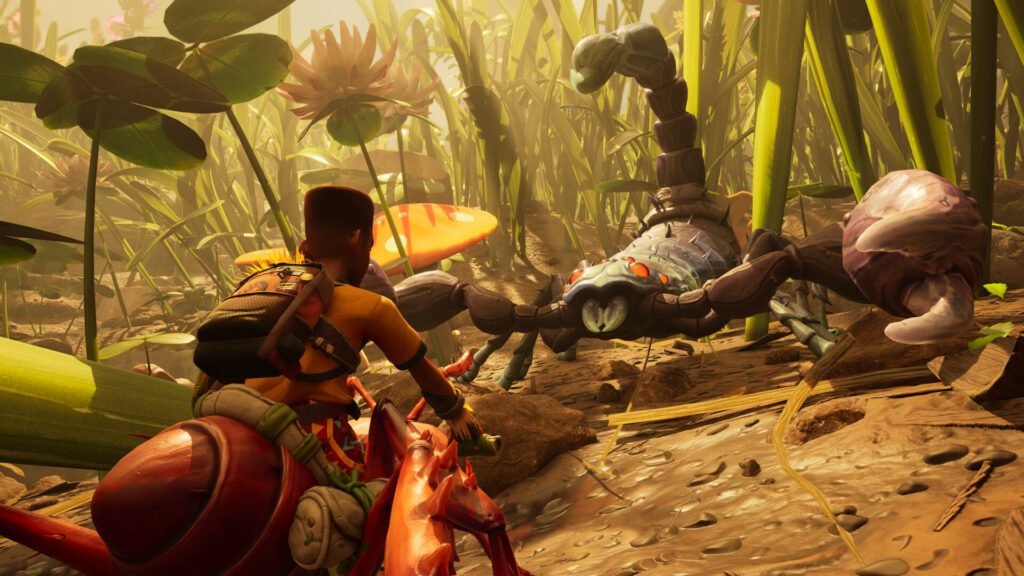
Making the Buggy Mount a top priority is an important strategy for moving forward efficiently and staying alive in the huge world of Grounded 2. The game’s map is much bigger than the first Grounded, and getting around on foot can be slow and difficult for your small character.
The Buggy, which is Grounded 2’s new insect mount, provides a game-changing solution to this problem. By focusing on the quest that unlocks the Buggy early in the game, you get a powerful helper that greatly reduces how long it takes to travel.
This isn’t just about moving faster; the Buggy also offers extremely useful benefits by helping carry heavy materials for building your base, fighting alongside you, and even automatically picking up smaller items, making resource gathering much smoother. Getting a Buggy, especially the tough Red Ant Soldier, requires completing some difficult challenges and collecting specific items like the Red Ant Soldier Egg, but the effort is absolutely worth it.
More Grounded 2 Guides: How To Get Grass Seeds In Grounded 2
Stay Hydrated and Fed
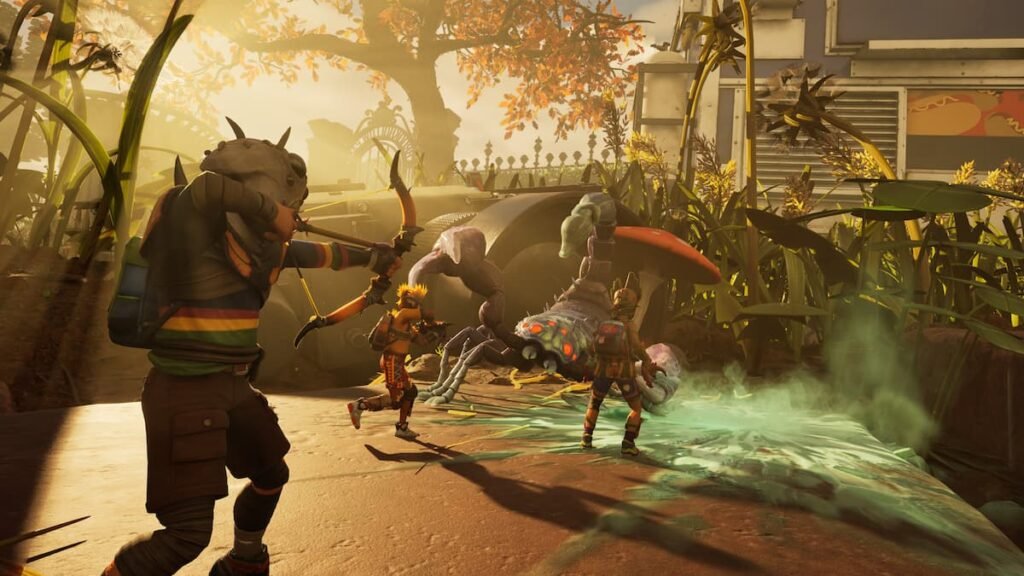
In the large and detailed world of Grounded 2, keeping yourself hydrated and well-fed is essential for staying alive. Even though the park looks lively and full of resources, you can easily become dehydrated or hungry if you don’t plan ahead.
You can find water droplets on grass blades, particularly in the early morning, and there are many small creatures you can eat, but you need to carefully watch your food and water levels to survive. One of the best pieces of advice is to focus on making a Canteen as early as you can. This useful tool lets you gather and save dew drops, giving you a reliable supply of clean water so you don’t have to drink dirty groundwater, which can make you sick.
To unlock the Canteen recipe, you need to scan Grub Hide, and Grubs are fairly common underground once you’ve improved your Omni-Tool with the shovel upgrade. When it comes to food, you should build a Roasting Spit as soon as possible. This lets you cook bug parts you’ve collected, turning them into more filling and beneficial meals. Make sure to always carry some extra food with you and keep a close eye on your hunger and thirst levels so you don’t get caught off guard by the dangers of Brookhollow Park.
Upgrade Your Omni-Tool and Skills
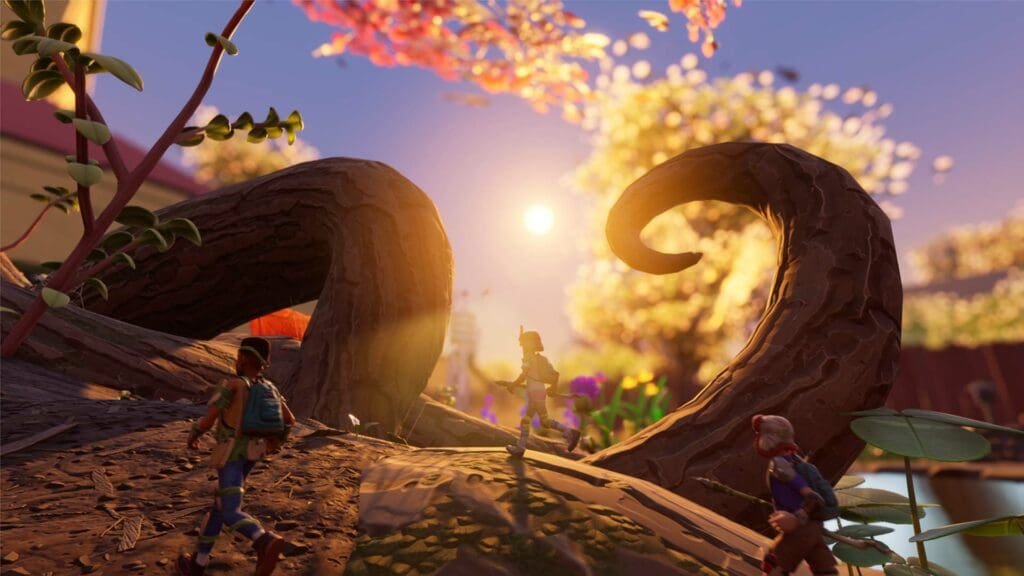
In Grounded 2, improving your Omni-Tool and skills is part of the fun of conquering the expansive but tiny world of Brookhollow Park. The Omni-Tool is a brand-new, multi-purpose device that works as an axe, shovel, hammer, and wrench all in one, making it absolutely necessary for collecting materials and moving around the environment.
To upgrade its functions and unlock new abilities, you will need to gather Raw Science points. You earn these points mostly by examining newly found items at a Resource Analyzer, which also uncovers new crafting recipes for everything from simple materials to strong armor. Another great way to get Raw Science is by finishing Ranger Challenges, which are available at Ranger Stations located all over the park.
Once you have collected enough Raw Science, you can use it at these same Ranger Stations to add extra skills to your Omni-Tool, boosting its performance and usefulness for different tasks. The Science Shop, which you can also access at Ranger Stations, lets you trade Raw Science for a variety of helpful upgrades.
Find and Spend Milk Molars
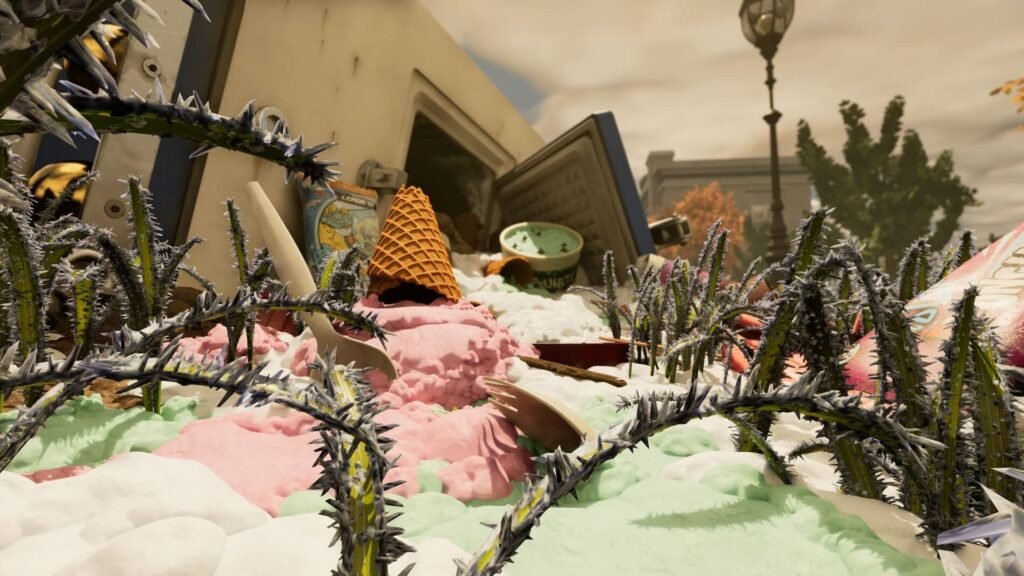
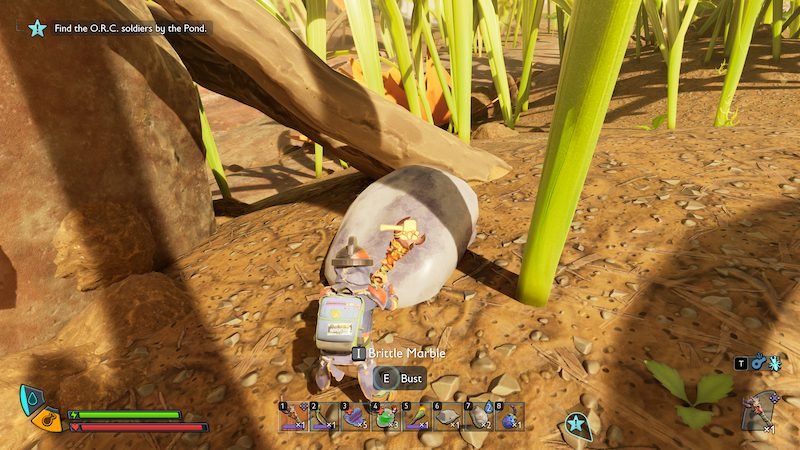
In Grounded 2, one of the most important things you can do to survive and progress over the long term is to actively search for and use Milk Molars. These special collectibles are more than just a fun find; they are a key resource for permanent upgrades that greatly improve your ability to handle the many dangers of the park. While crafting new gear gives you small improvements, Milk Molars provide much larger boosts to your core stats.
There are two kinds of milk molars this time around. The first is the regular Milk Molars, which upgrade your personal stats like maximum health, stamina, hunger and thirst drain, healing, and the number of active mutations you can use. The second is the Mega Milk Molars, which give benefits to the whole group in multiplayer, such as bigger stack sizes for consumables, resources, and arrows.
The permanent stat boosts from Milk Molars can decide whether you succeed or get overwhelmed by a swarm of angry mites or a patrolling spider. Once you find these sweet teeth, you can smash them to absorb their gooey core and spend them at Ranger Stations.
Equip Mutations
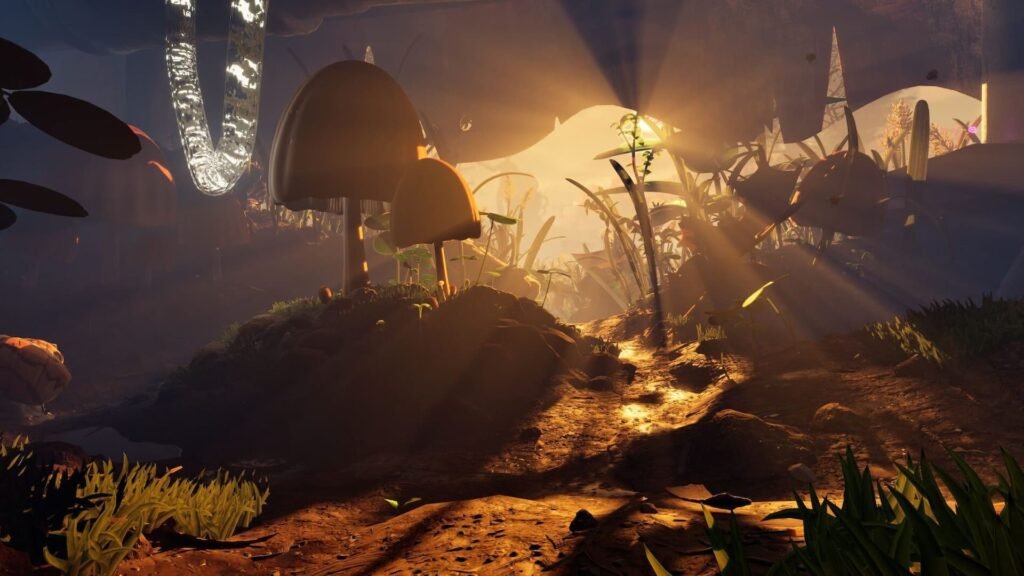
In Grounded 2, mutations make things a lot easier and more fun. These mutations are not just passive bonuses; they are perks you unlock by doing certain actions repeatedly in the game. For example, you might unlock mutations by crushing bugs with clubs, fighting with your bare hands, running out of stamina, or finding new locations.
Once you unlock a mutation, it stays available but won’t do anything until you select and equip it in the game’s menu. At first, you’ll only have a few mutation slots, usually two, so you need to think carefully about which ones to use. If you prefer close combat, for instance, you might want to equip mutations like “Smasher,” which increases stun and damage with clubs, or “Cardio Fan,” which helps you use stamina more efficiently.
Choosing the right mutations can make a big difference in how your character performs, letting you focus on your preferred fighting style or adapt to specific challenges. As you play, remember to check your mutation menu often, especially when you unlock new perks, and adjust your equipped mutations to match how you’re playing and the dangers you face in Brookhollow Park. You can also get more mutation slots by finding and consuming Milk Molars, which makes these upgrades even more useful.
More Grounded 2 Guides: Where to Find Weed Stems
Utilize Hassle-Free Storage
Managing your inventory and resources in Grounded 2 is important because items usually don’t stack very high, and you can’t carry much on your own. One of the best ways to handle this is by using the game’s smart crafting system.
All crafting stations, like workbenches and smoothie machines, will automatically take the ingredients they need from any storage containers nearby. This means you don’t have to keep crafting materials in your personal inventory when you’re at your base. Just put them in chests close to your crafting stations.
The game also makes it easy to store items quickly. If you hold the interact button on any storage container, you can move all matching items from your inventory straight into that chest. An even faster way, especially when you have many chests, is to use the “hot deposit” feature by pressing the “N” key on your keyboard. This will automatically move all crafting resources from your inventory into any nearby chests that already have those items.
Upgrade Your Gear (Weapons and Armor)
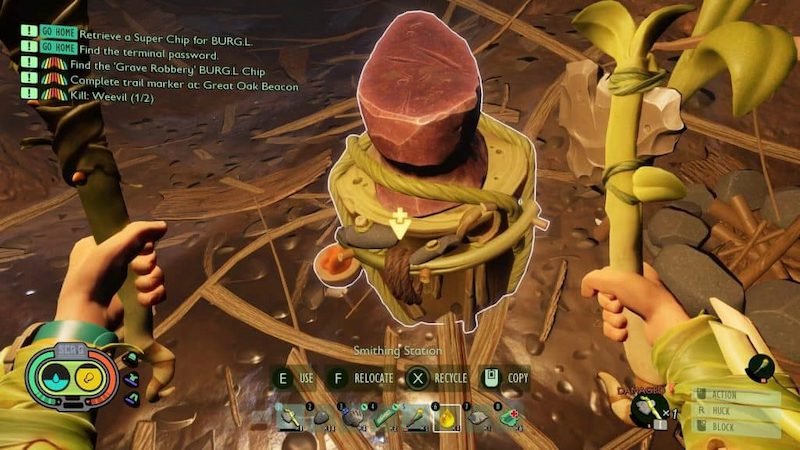
In Grounded 2, upgrading your weapons and armor is a big part of being strong enough to tank hits. As you play, you will find better gear with higher tiers, which are labeled with “II” or higher in the crafting menu, but these upgrades don’t happen often. That’s why the smithing station is so important.
You shouldn’t overlook the value of improving your current gear by leveling it up. For weapons, you can use “brittle whetstones,” and for armor, you can use “brittle plating” to increase their base stats significantly. When you upgrade your weapons, they will do more damage and last longer, while improved armor will give you better defense and durability.
Even the gear you get early in the game becomes much more effective with upgrades. This makes fights that once seemed difficult much easier to handle. If you make it a habit to regularly check for upgrades and use the smithing station to apply them, you’ll always be as ready as possible for the dangers hiding in the small but dangerous world of Grounded 2.
