



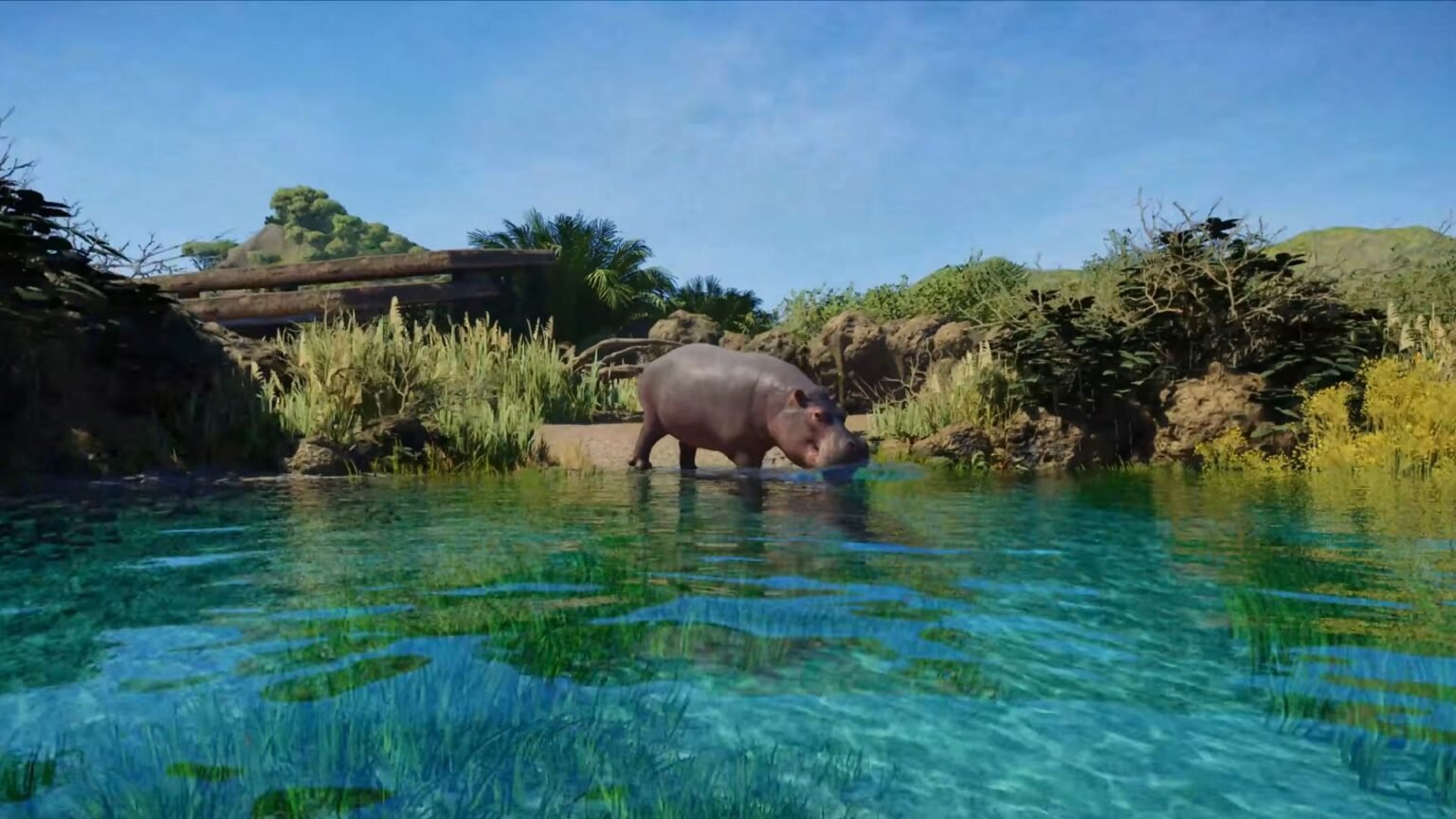

Planet Zoo 2 will put your construction skills to the test as you build and expand your zoo to accommodate the animals and guests. Since you can add different compatible animals to one enclosure, you should think more about adding fish to your zoo too. Luckily, you don’t have to create a separate aquarium if you don’t have the funds for it, as you can add aquariums to animal enclosures too.
Adding fish to your existing habitats is quite simple and doesn’t require any specialised tools or materials. If you wish to enhance your animal habitat by adding an aquarium inside it, here are the steps that you should try out that will help add fish in Planet Zoo 2.
Planet Zoo 2 – How to Add Aquariums to Habitats
The only way to add fish is if there is a water body in your preferred habitat. I suggest adding aquariums to habitats that house semi-aquatic mammals and reptiles, like alligators and hippo enclosures, so that there is a dual purpose for the aquarium.
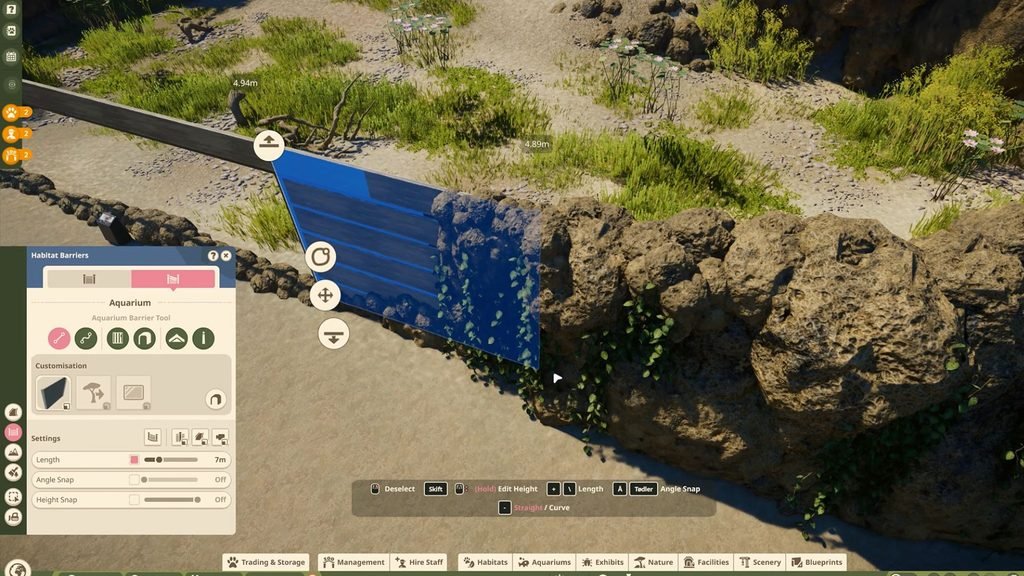
First, pick any preexisting enclosure blueprint or create an enclosure from scratch. Then, to start adding the pond, head over to the Aquarium tab under the Habitat Barrier option on the bottom left hotbar. Select any barrier and start building around the enclosure.
You need to make sure that the aquarium glass touches all the beams to complete the aquarium construction, or else filling it up with water will be difficult if there are gaps in the barriers. Don’t forget to leave some space for land too, so that your semi-aquatic animal can get up whenever it wishes.
After putting down the aquarium barriers, you need to add the specialised door for staff to get through. You can put down an Aquarium Staff Gate from the Aquarium tab of the Habitat Barrier menu. Place it anywhere along the aquarium walls to allow staff to access the underwater area.
Adding Fish to the Aquarium
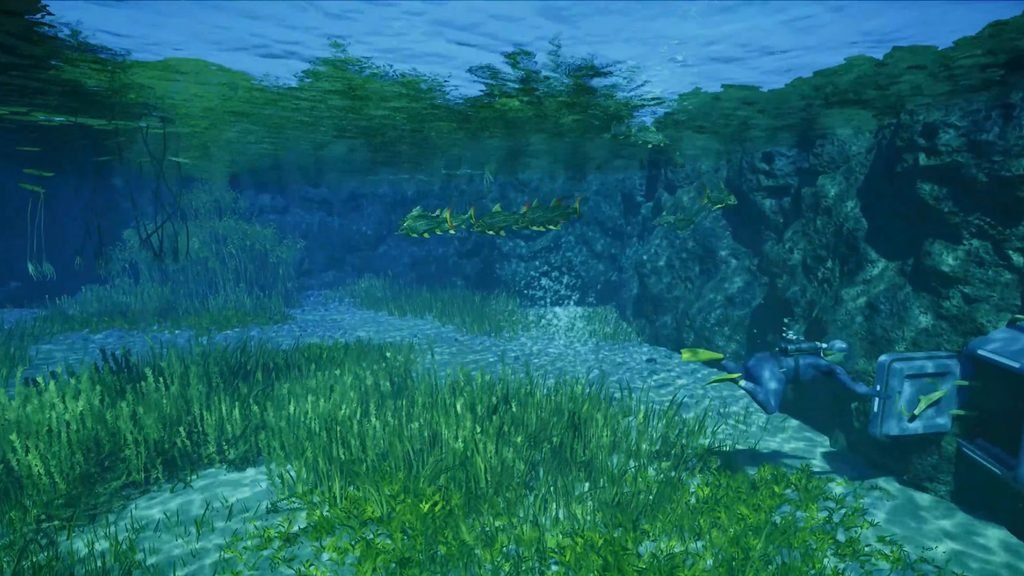
If everything is done correctly, you will find the aquarium filled with water by now. You can also use the terrain sculpt option to raise or lower the land within your aquarium and its surroundings to make it easier for the animals to get on and off the water.
After your aquarium is filled up, you can add a Storage unit near the enclosure and assign a caretaker to transport the goods. Then it is time to start adding the fish. Select the Trading and Storage option at the bottom of the screen and search for fish to purchase in the Trading screen.
Your purchased fishes will be sent to the Storage unit, and you can select the aquarium where you wish to set the fishes loose. Your caretaker will then transport the fishes from storage to the aquarium, as long as there is a clear path that leads from both destinations. Now all that’s left is to add your animals to the enclosure in Planet Zoo 2, and you are good to go.
