



No GTA game is complete without guns, and GTA 6 offers a wide variety of unique guns to own. Some of them you can find during missions, while others are purchased or gifted to you. While that is all fine and good, the real hassle happens when you try to store weapons for later use. Unfortunately, there are only very limited areas where this is possible, and even after storing them, you need to learn how to get them back.
This can put you in a bit of a situation, especially if you are seen walking around with multiple weapons on your character. There is a solution for all this, and this guide will detail where you can store your weapons and how to get them back in GTA 6
How to Save Weapons
Whether you have purchased or stolen any weapon in GTA 6, the only way you can store them for later use is in your car. First, you need to get yourself a car by either purchasing it or stealing it. After obtaining a car and completing the registration process, you can use it as you would any other car. In case you can’t find your car, you can call Joey on your phone, and he will drop your car at your nearest parking lot.
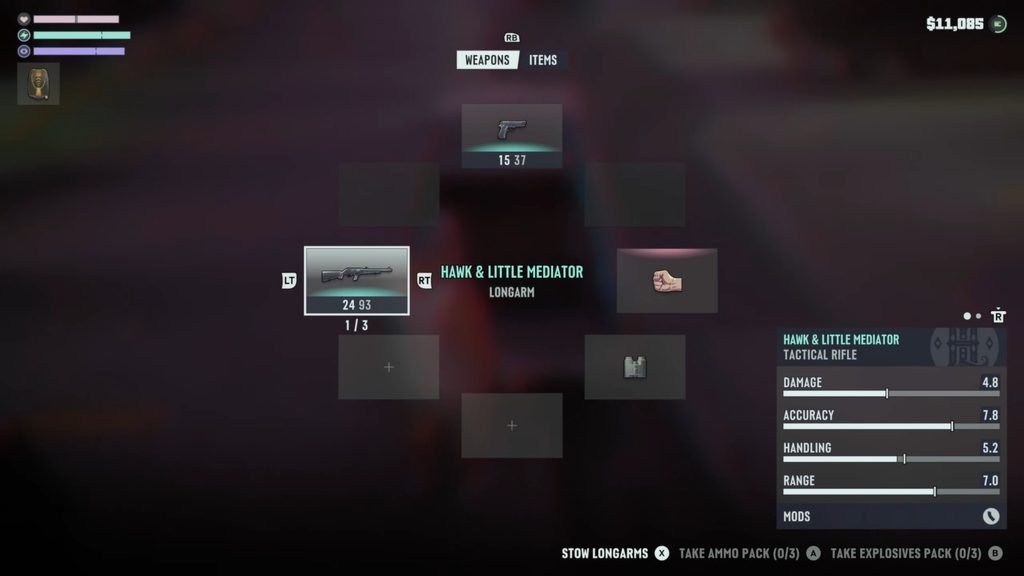
Next, after picking up a weapon, make your way towards your car and interact with the trunk. Over here, you can manage your current loadout and also store items here. Press the Loadout option to bring up your inventory, then press the button next to Stow Longarms. You will find the option at the very bottom right corner of the screen, which is usually either Square (PS) or X (Xbox). All weapons on your character will be automatically stowed away here.
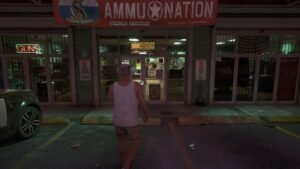
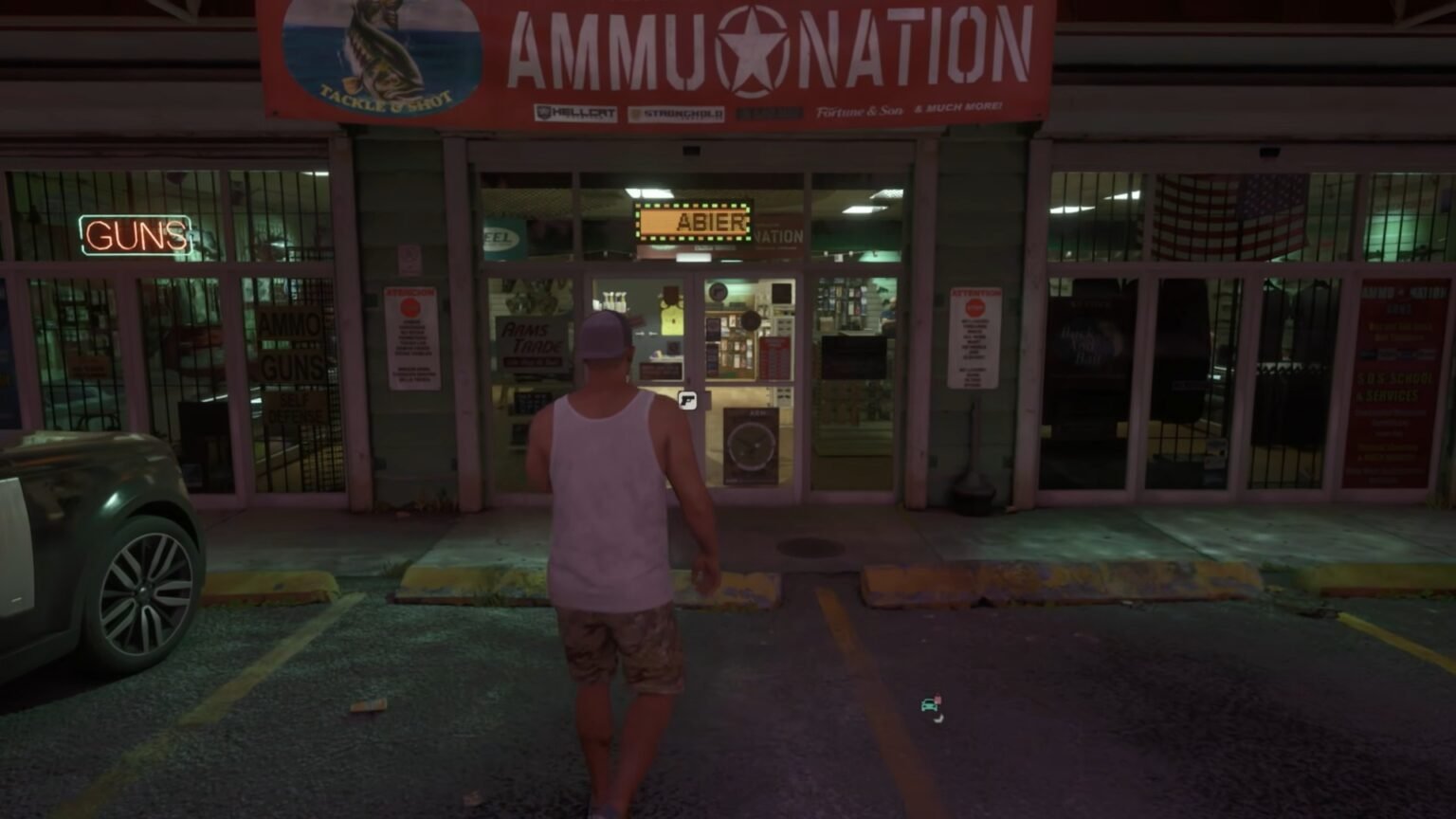
Note: If you can’t get a car yet, visit any Ammu-Nation store and interact with the weapon locker here to store your weapons.
How to Re-equip Weapons
Getting your weapons out of the car trunk and back on your character is the same process. Press the Loadout option after interacting with the trunk and use the right stick to go through the boxes on the radial wheel. The box on the left is the one for primary weapons, while the one on the bottom is for secondary weapons.
Use the LT/L1 or RT/R1 buttons on your controller to shuffle through your stored weapons. In case you can’t find any of your stored weapons, make sure you are under the Weapons tab at the top of the screen first.
Tips to Keep in Mind
Sometimes you might lose your stored weapons if you do any of the following. First off, any car that you pick to store weapons will be the only car that has these weapons. Changing or destroying your car will permanently erase your stored weapons inventory, but your item storage can be accessed on any other car. Also, certain weapons can be lost permanently if dropped outside your car.
While going through your car’s weapon storage, take a look at the color of the weapon names that appear on the radial wheel. White colored weapon names are weapons that you have picked up and not purchased, while yellow and blue names are weapons that you will permanently own. Even if you drop yellow and blue weapons outside of your car storage, you can always return to the storage and find them there.
