




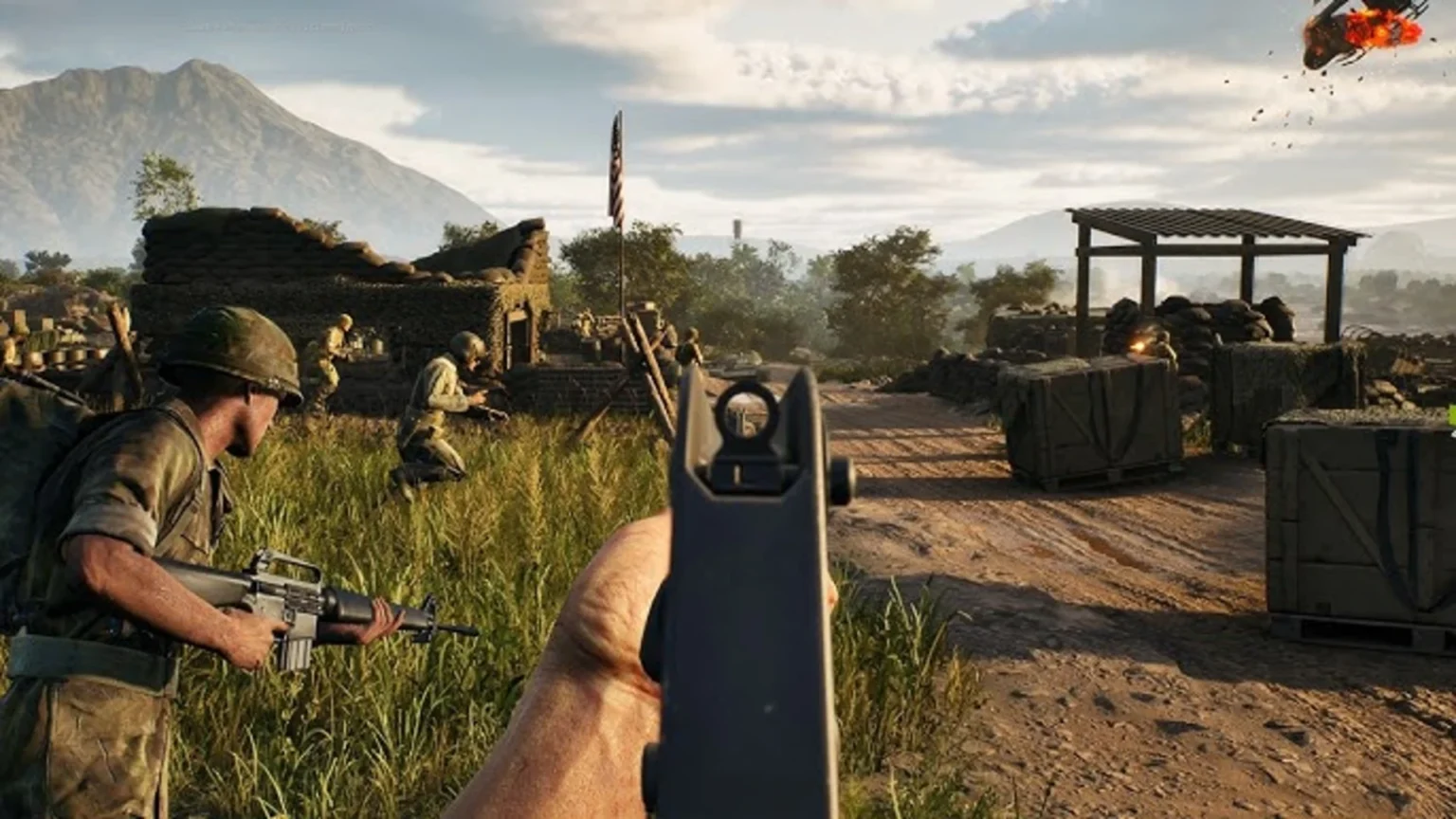

Knowing how to use the Push to Talk feature in Hell Let Loose Vietnam is essential if you want to communicate effectively with your squadmates and nearby teammates on the battlefield. With so much action taking place during a match, relaying the locations of enemy infantry and vehicles. No matter what role you’ve selected, talking to your team can make all the difference. Here, find out how to activate Push to Talk and how it can help steer your squad to victory.
How to Activate Push to Talk in Hell Let Loose Vietnam
With several in-game options to choose from, it can be difficult to locate the Push to Talk choices in Hell Let Loose Vietnam. To switch it on as fast as possible, follow the steps below:
- Click on the Settings cog in the top-right corner.
- Select the Controls tab.
- Scroll down to the ‘Toggle Radio Channels’ setting.
- Switch it off to activate Push to Talk.
When the Toggle is switched on while the Push to Talk button is being pressed, your communications will be heard until it’s pressed again. While off, your voice is heard when the button is pressed.
While it comes down to personal preference, having the Toggle on while you’re using other platforms to communicate with your squad can be frustrating. There’s no need for them to hear your intel twice. When chatting to players that aren’t in your squad, it’s extremely useful to convey information quickly.
Hell Let Loose Vietnam Voice Channels Explained
Across all of Hell Let Loose Vietnam‘s game modes, there are three different voice channels you can use to communicate with various members of a team.
Leadership
The first is the Leadership channel. Used by Team Leaders to organise strategies and how to counter the enemy, you can access this channel by pressing the X key on your keyboard. Before you start talking, be sure you’re one of the following roles:
- Logistics Officer
- Observer
- Spotter
- Squad Leader
- Tank Commander
- Commander
No matter where they are on the map, the six roles above have the ability to communicate at all times during a match.
Unit
The Unit channel is available to communicate information to players within your squad. To activate voice chat, press the C key.
Fellow squad members can also use this channel for voice chatter, along with Squad Leaders who provide instructions on your team’s next move.
Proximity
The third and final voice channel available in Hell Let Loose Vietnam is proximity chat. Simply press V on your keyboard to communicate with any nearby players on the battlefield. Proximity chat is particularly useful when sharing intel with other teammates who aren’t members of your squad.
If you prefer to use other keys to access the voice channels, you can rebind them at any point.
That’s everything there is to know about Push to Talk and voice chat in Hell Let Loose Vietnam. Be sure to stay tuned to GamesHorizon for more guides on Expression Games’ latest first-person shooter
