


The silent patch drop for Half Sword might not seem much at the surface, but it did cause quite a splash in the community. The silent drop is always going to catch people by surprise, and that’s exactly what happened with the update 0.6.1 for the game. We saw many major to minor changes to the overall game experience. Here, we are going to cover all the crucial changes that came with the 0.6.1 update for Half Sword.
Everything New in Half Sword Patch 0.6.1
We are going to focus on all the crucial changes first, then we will slowly move towards the rest of the updates.
- Combat Changes:
- Reverse Gripping/ Alternative Stance/ Stronger Wrists
- Weapon and Armor Changes:
- Customization/Equipment weight/Design Changes to the Axe/ Armor protection
- Gameplay Changes:
- Free Mode/ Addition of New Maps/ AI Improvement
- Other Performance Changes
Combat Changes
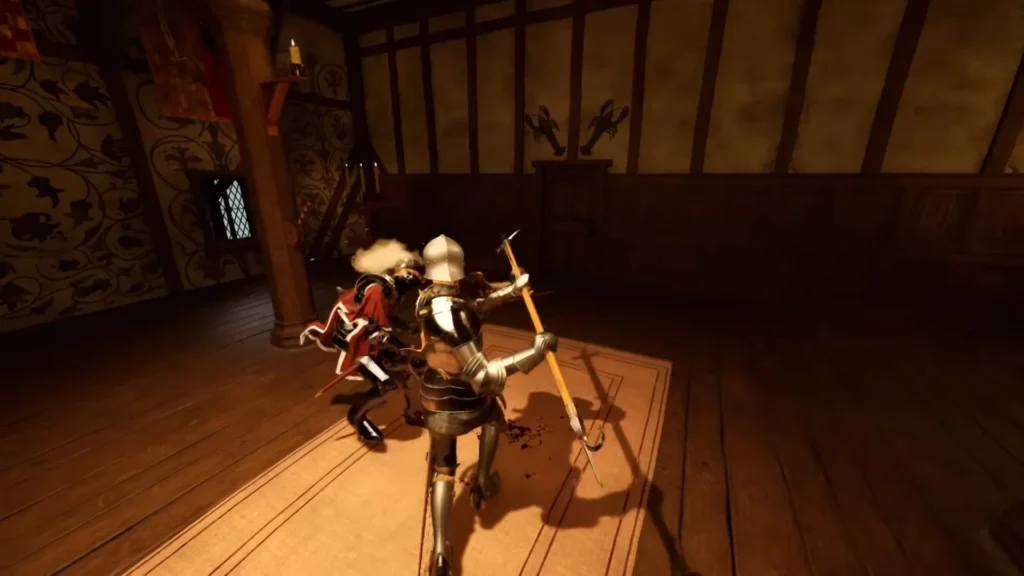
Combat received a handful of major changes with the new update. Here are all the new additions to combat mechanics in the Half Sword. Here we will take a look at Reverse Gripping, Alternative Stance, and Stronger Wrist.
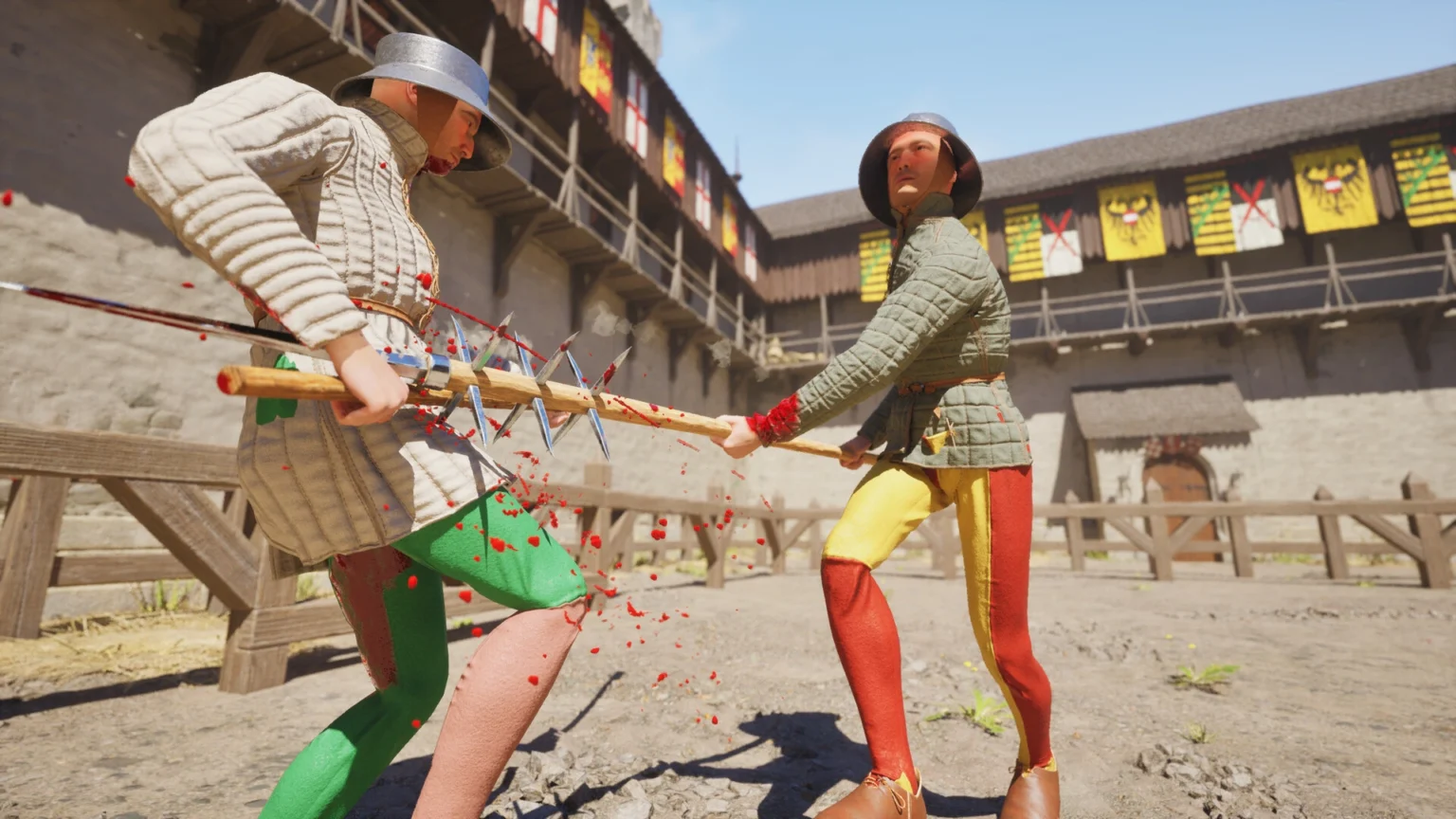
- Reverse Gripping: Allows you to rotate your weapons by holding down the Swap Hands key. With this new move, you can hold the sword by the grip while pointing down to the ground. Your character will grab the grip with both of his hands, while the sharper end of the sword will be pointing down at the ground, making it excellent to perform finishers on the enemy.
- If you swap hands during the half-sword position, then you will hold the sword by holding the sharp end of the sword instead of the grip.
- If you are using a single-bladed weapon, swapping hands will flip the weapon around. Your character will flip the sword with one hand, so you will be able to hit the enemy with the other side of the sword. You can do that with an axe; you can flip the axe and hit the enemy from the blunt end of the axe instead of the sharp end.
- It should be noted that Left Click now allows you to use the sword, and Right Click will help you throw a jab or punch towards the enemy. Unlike in the past, where Right-Clicking allowed you to dual-wield the weapon. Now, if you want to dual-wield a weapon, you must press Right Click and Left Click simultaneously.
Note: It will take some time getting used to the two-handed button prompts, instead of just holding the right click to pull off the move.
- Alternative Stance: When you use two-handed swords, press Alt on the keyboard to perform a thrust. The thrust may feel similar to the old thrust move, but new changes have made the move more precise with a different angle. There are many ways to implement a thrust attack with a two-handed sword.
- Without pressing the Alt, your character will hold the sword over his head, ready for a downward strike, but when you press Alt, your character will hold the sword parallel to the ground, ready for a forward thrust.
- Stronger Wrists: This new change makes your weapon flop less; the team also made changes to the animations for better movement of the weapon. Now you can cut from more angles than ever before. The weapon responsiveness has gotten better with this tiny little change.
Weapon And Armor Changes
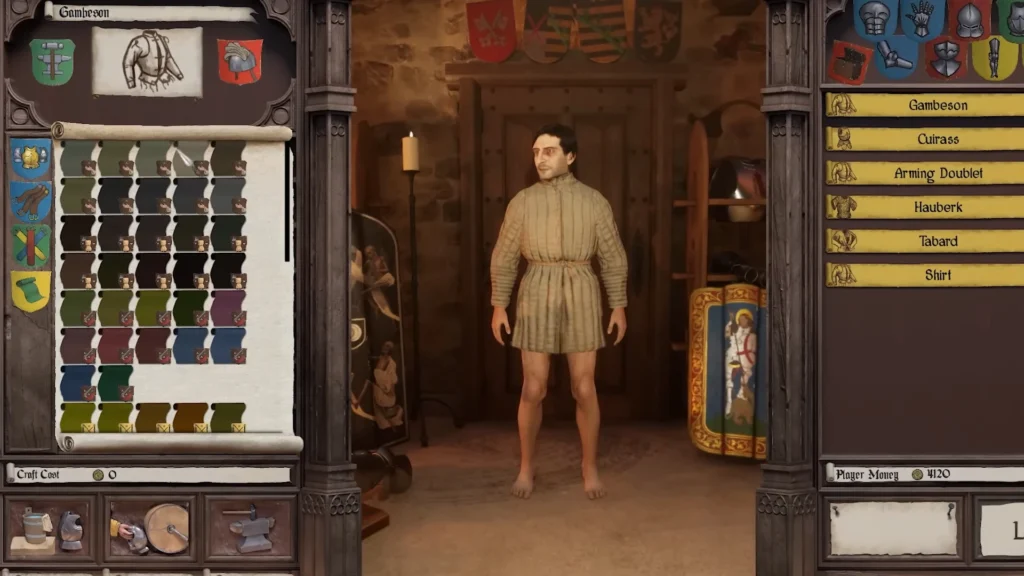
- More Customization: Head to any Armorer, now you can make changes to the metal and color of your armor to your style. Changing metal is crucial; switching to a better metal makes armor have more protection and less effect on the movement.
- The colors are linked to your rank; the higher the rank, the better color you can add to the armor.
- The armor section screen now has many options, including a filter to sort things in your style.
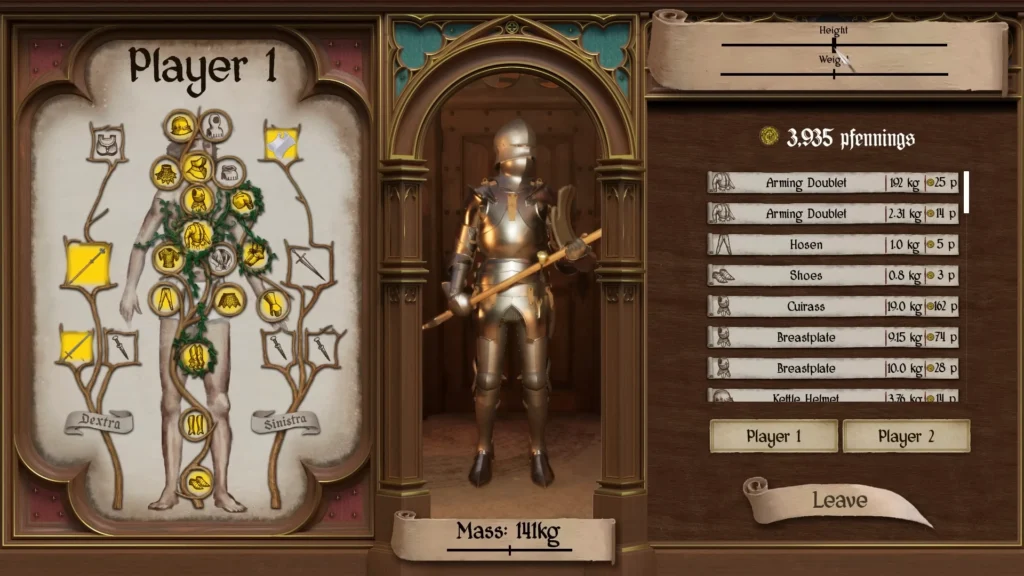
- Equipment Weight: If you are wearing heavy armor or weapons, the movement will take a toll. When you wear heavy armor from head to toe, even when you are sprinting, your character will have the movement speed of a turtle.
- Design Changes to Axes: If you are an axe guy, then you are going to love the changes they brought to the premade axes and new modules for crafting.
- Armor Protection: In short, it will be difficult to knock down a fully armored guard. Technically, you can, but it will take a while to bring a fully armored guard down to the floor.
The last improvement is done to the Rigging and Skinning of the armor’s appearance during movement or animations. Armor on the arm looks better than before; the devs have fixed the clipping issue on the Arm Armor. Again, it’s not at 100%, it’s an ongoing process of fine-tuning the appearance of the armor.
Gameplay Changes
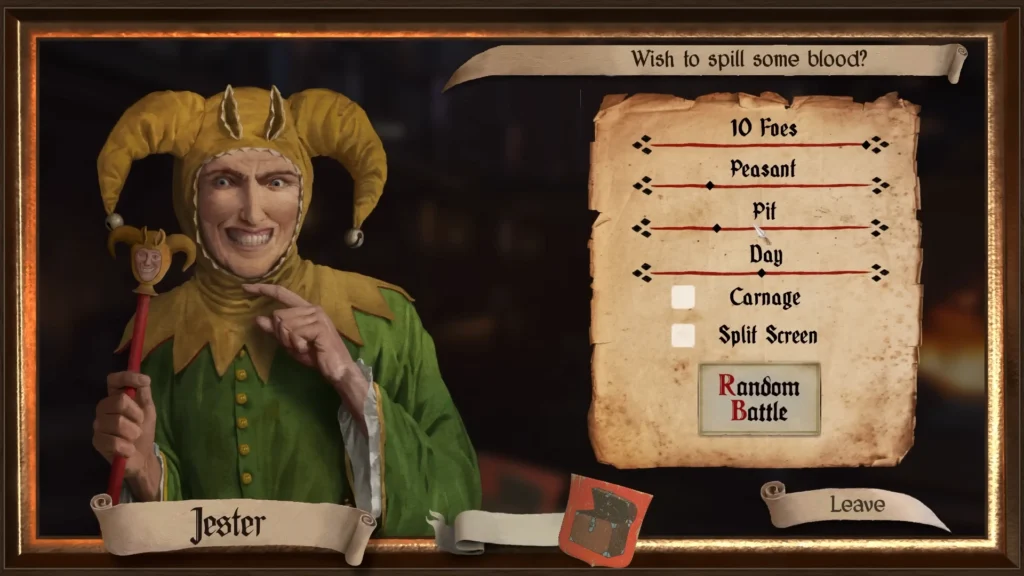
- Expanded Free Mode: Now you are allowed to choose the maps/ time zone, enemy spawn rate (Increased to 10), your character’s weight, and height. Future changes are proposed to make further changes to the UI of the game.
- New Map: The update added a brand new map, which is a Yard map with a hole in the middle. The devs promise to add more unique maps to the game, but they are not prioritizing fixing or optimizing the existing maps. Another highlight change to the map is done to the Bridge for the pit and slums; now you will encounter a combat scenario on it.
- Tuning AI: AI is being fixed and tuned to be more responsive and more aggressive than before. The devs promise to make them more effective, so they will be able to fight in groups.
Performance Changes
In the performance category, we see improvement in the ragdoll and optimization of the foliage assets. The devs did consider adding a better ragdoll effect to the game, but it was performance-heavy. Now, but now the new ragdoll changes fit the game better without swallowing the FPS counter. On the other side of the tree, we have changes made to the foliage. You can see the changes if you venture into the forest. The task of optimization for the trees or foliage is not at 100%, as the team vows to make changes over time.
That’s it, now you are all caught up with all the new changes done from the Patch 0.6.1 for Half Sword.
