



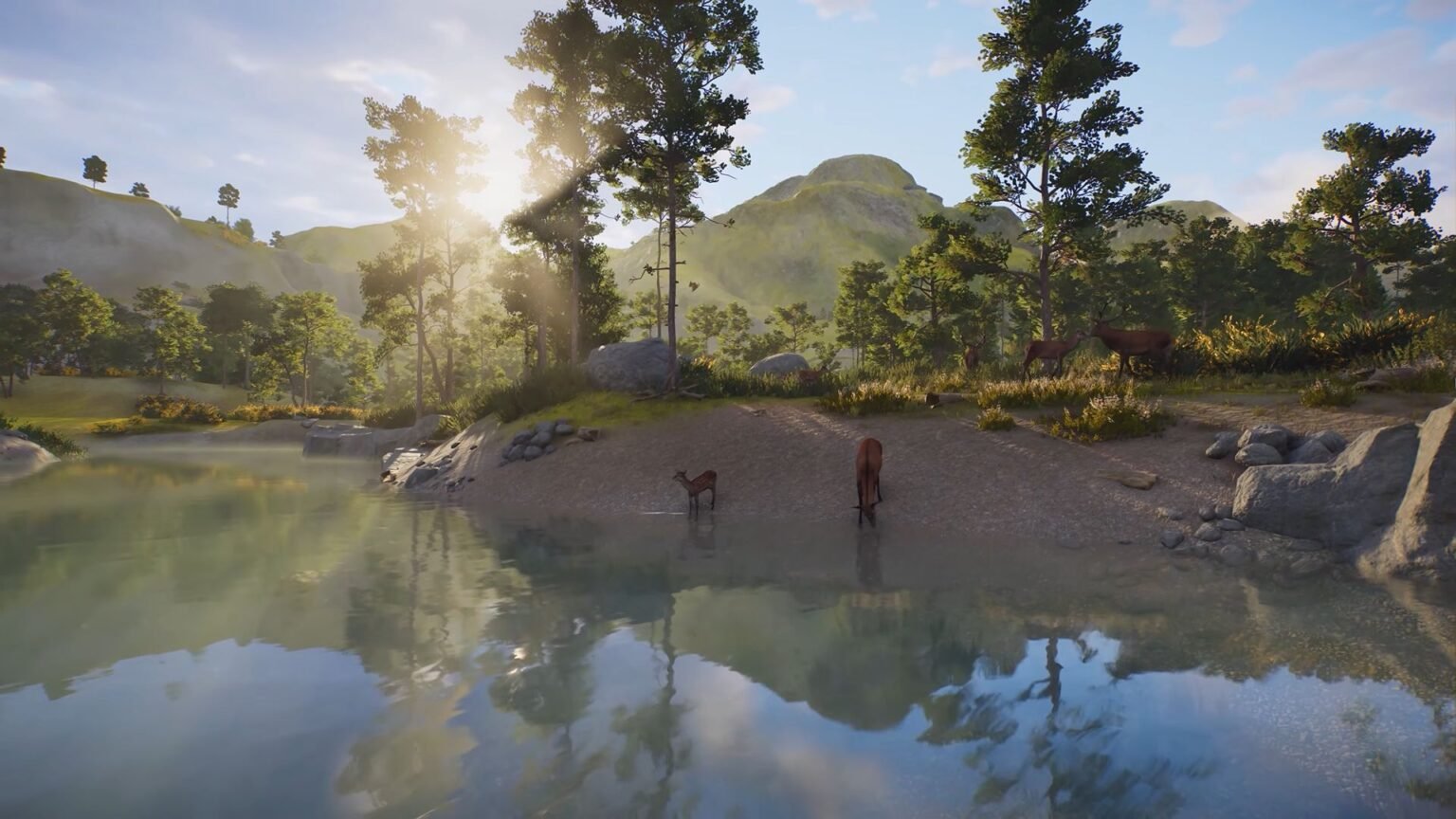

Keeping your animals happy is what makes a great zoo, and it’s no different in Planet Zoo 2. Besides feeding them and taking care of their needs, you also need to set up an ideal habitat. Building shelters alone won’t cut it, as you also need to keep the temperature of their habitats in check. The game does provide several solutions to keep a habitat at the correct temperature according to their needs.
Just checking the temperature isn’t sufficient, as you can also add some water so animals can drink from them when it gets too hot. There is a process to create clean drinking water for your animals to drink, so this guide will run you through everything there is to know about habitat temperature and providing clean drinking water to your animals in Planet Zoo 2.
How to Check the Temperature of Habitats in Planet Zoo 2
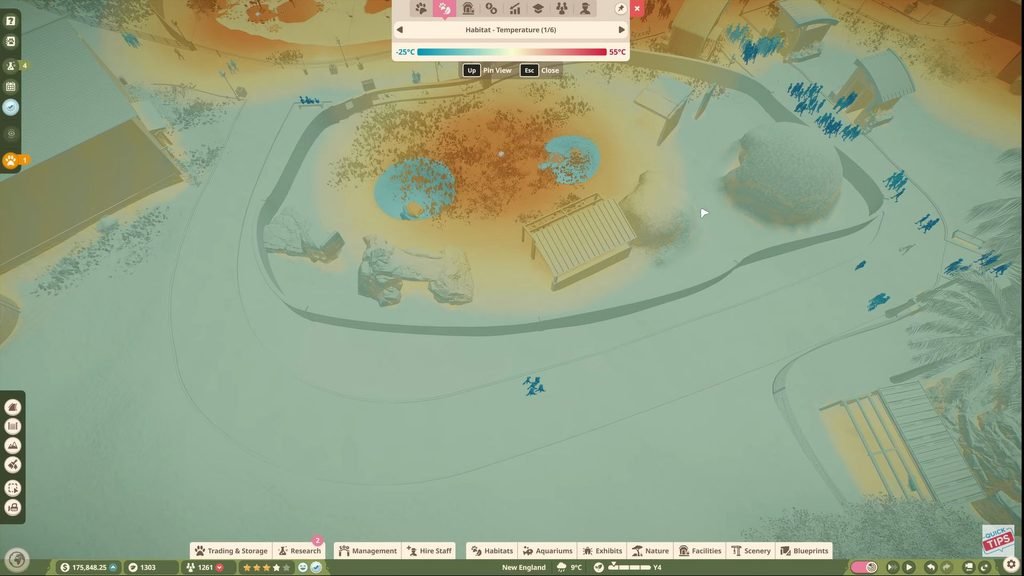
To check the temperature of a habitat and its surroundings in Planet Zoo 2, view the heat map from the hotbar on top of the screen. You need to toggle through the hotbar selections until you find the Habitat tab. Your screen will instantly turn into different hues ranging from the deepest reds to the lightest blues. The reds indicate how hot an area currently is, while the blues are the areas that are cooler. Water bodies and shelters in general will provide a cooler temperature, while open grounds are generally warmer.
How to Change Temperature
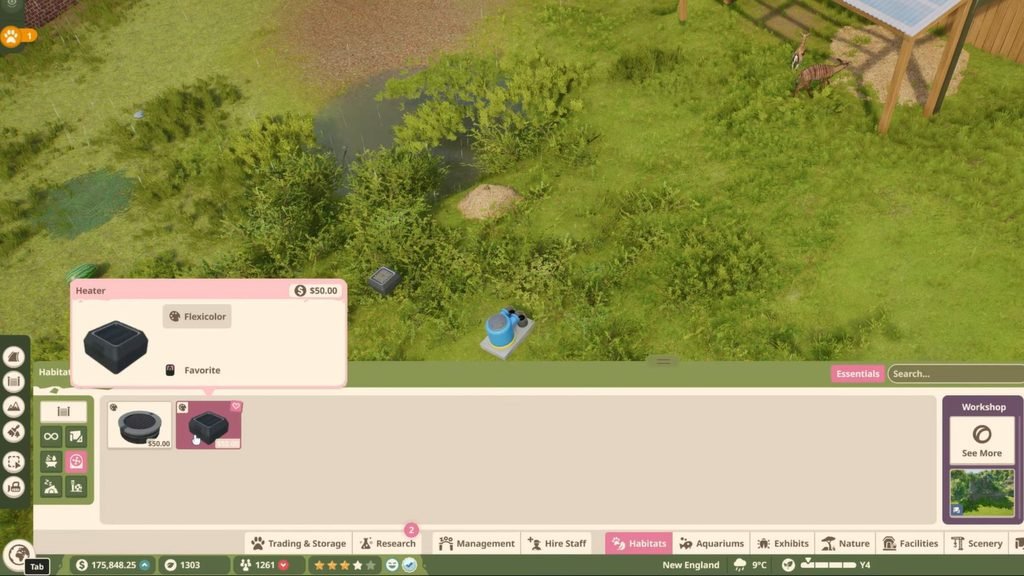
There are only two ways to change temperature: either add a heater to make it warmer or place a cooler to keep it cool. Before adding these contraptions, you need to research and find out what temperature your animals like. To do that, select any animal in your enclosure and select the Habitat tab. Check out the Habitat Temperature option to know their ideal temperature. As a rule of thumb, an enclosure’s temperature should range between 14℃ and 41℃.
After deciding on the enclosure’s temperature, select the Habitat option at the bottom of the screen. On the left is where you can find the Heaters and Coolers option. You can purchase either of them for $50. While placing the gadget down, it will show you the radius of its heating or cooling effect. You can then recheck whether your animals prefer this temperature, or add more heaters or coolers to the enclosure until it reaches their preferred temperature.
How to Add Drinking Water
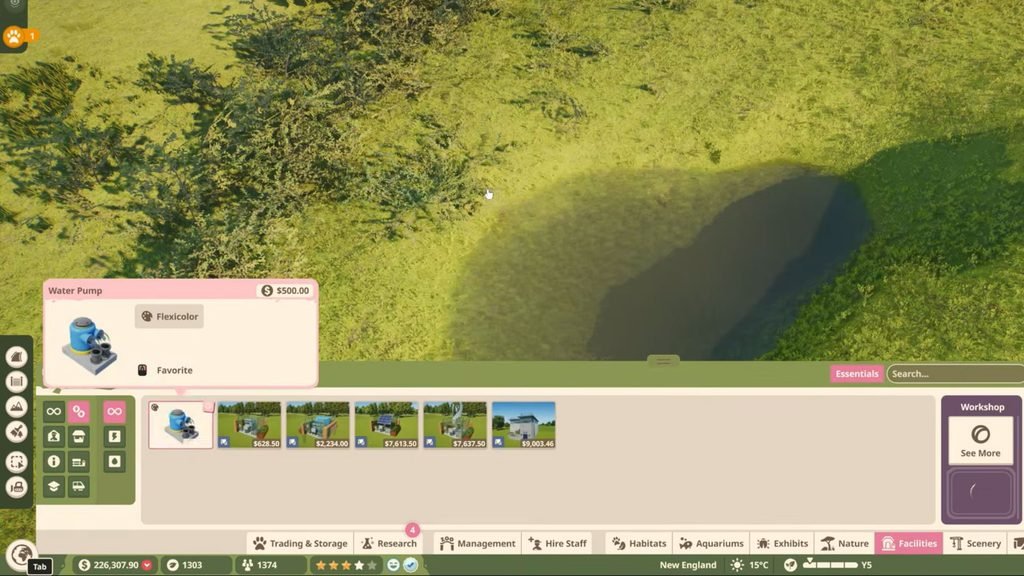
Another way to cool down animals is to provide adequate drinking water. This is different from adding aquariums and fishes to existing enclosures, as aquarium water isn’t really drinkable. First, create an indent on the ground by using the Sculpting option in the Terrains tab on the left side of the screen. You would be using this option if you were building shelters using the terrain.
Then, use the Push brush option to dig a hole in the ground. In the sculpting menu, you can then select the Water option. Line up the water’s outline so that it shows blue and forms a circular shape. Now that you have water, you need to make it drinkable. Head over to the Facilities tab at the bottom of the screen and select the Utilities option on the left.
Purchase the Water Pump for $500 and place it next to your new pond. Connect the pipe from the pump to an existing pumpline to filter out the water in the pond and make it drinkable. And with that, you can quickly cool down or warm up a habitat accordingly, which will, in turn, keep your animals happy in Planet Zoo 2.
