


Outbound’s obstacles differ from a common game; here, you must craft tools to break rocks, clean bushes, and chop down dead logs on the road. There is also decoration: you can craft a healthy number of decorative items and give personality to your store-bought van. Finding the blueprints, though, requires a bit of work, but it’s worth the time. Here is how to get and apply new blueprints in Outbound.
Option #1 Terminal Blueprint
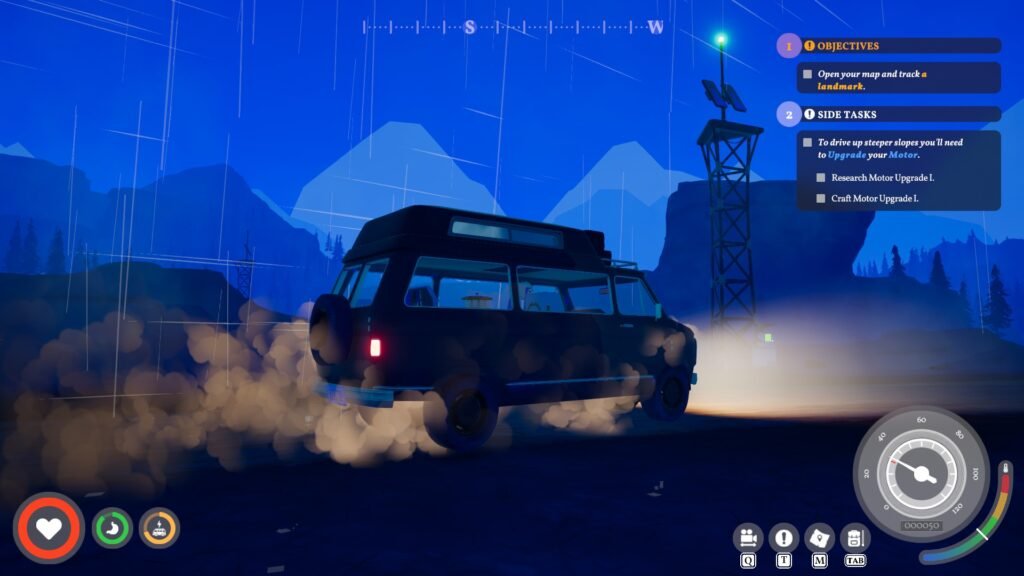
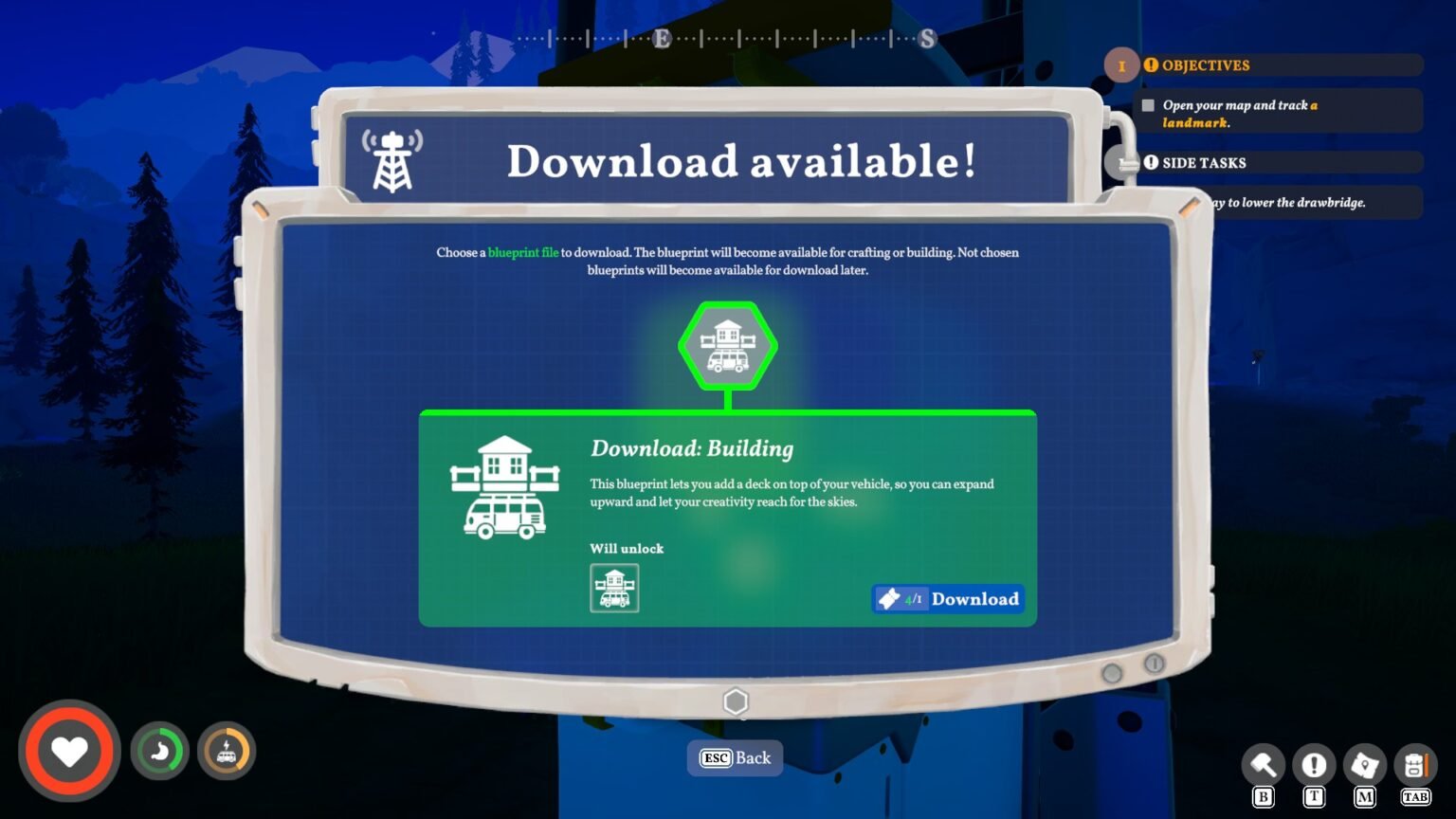
After starting the game, you will soon find a tower architecture with a Fallout-like terminal at the bottom. You can get the blueprints (like, for the Axe) by downloading them via the terminal at these towers. Downloading also has a layer; you can’t just interact with a terminal you come across in the world and start hitting download as we do on the internet. You are only allowed to download the blueprint if you have a voucher.
Note: You can get a voucher by converting trash in the Recycler in the van.
Commonly, when you interact with a terminal anywhere on the map, it will give you three sets of blueprints to download. Once one of them is downloaded, the terminal shuts off. Then you travel to a different terminal on the map to repeat the process. But after crossing a few miles or passing the day, the game will inform you about a tower signal being picked up. Here, you can open the map and find the tower that we used to download the blueprint, which is activated again. You can now go back to the old towers and pick up the Blueprints.
So if you are spending more time in the area, looking for collectibles, you will get a signal from the old towers. Here, you head to the locations to download blueprints.
Option#2 CAP-N-SNAP
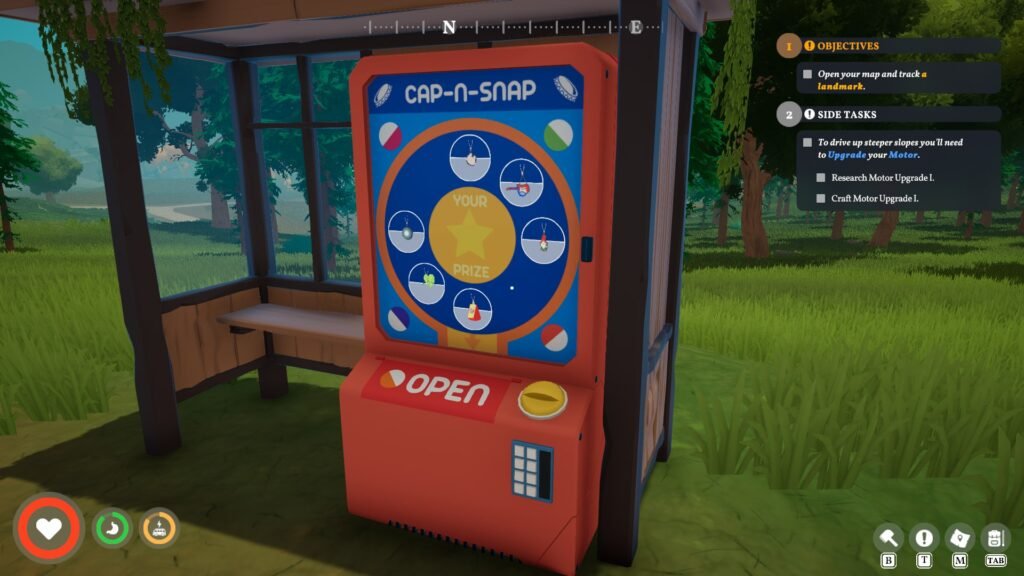
Another way to pick up blueprints is by playing a spin-the-wheel minigame called ‘CAP-N-SNAP’. CAP-N-SNAP is your classic toy vending machine; instead of being filled with objects, it has blueprints for objects. On the surface of the machine, you will see the picture of each object printed on the wheel.
The goal is simple: just insert a bottle cap to activate the CAP-N-SNAP. The wheel will then start spinning, eventually slowing down, stopping at an icon, and the blueprint of the icon picture will drop into the box below. Each CAP-N-SNAP has around 8 blueprints. Even if you picked some of them, the icon for the machine will stay orange (sign for not completed) on the map. And every time you spin the wheel, the cap requirement will also increase.
For the first spin, you will just need to insert a single bottle cap. For the second spin, the game will ask you to put two bottle caps, and the requirement gets increased each time.
I will recommend tackling the towers first for blueprints and then moving onto the spin-the-wheel machine after having than a handful of bottle coins in Outbound.
