




The primary source of fuel for your van and to start a bonfire in Outbound is logs. While you can get single pieces of logs lying on the ground, if you want to get a whole lot of them, you need to put on your lumberjack outfit, grab an axe, and start chopping down larger logs. When you encounter larger dead logs, you can’t pick them up; you will need an axe to carry out the task. Here is how to obtain an axe in Outbound.
How to Obtain Axe in Outbound
You are not going to find an axe lying around, well, you can, but it will be for decorative purposes. The only way to get an axe is by crafting it in the game. We are going to divide the axe into three different parts for easier understanding:
- Getting the Voucher
- Downloading the Axe Blueprint
- Crafting the Axe Blueprint
Getting the Voucher
First thing you need to do is to get Vouchers, pick up some trash lying around any bonfire camps. Now take all the trash and put it through a Recycler to turn it into a voucher. The first part is done, now on to the second part.
Downloading the Axe Blueprint

Head to an open area and look for towers, as they will have a terminal that we can use for our Vouchers. The opening intro area will have quite a few towers around. If you open up the map, you will see the towers highlighted in orange, which means they are interactable.
Note: If the towers have white color highlights, then you can skip them. Once you collect a blueprint from a tower, the terminal shuts off, becoming inoperable until you receive a message about its being operable again.
Head to any of the towers with orange highlights, interact with the terminal, select the Axe, and use the Voucher to download the blueprint. The second part is done, now let’s move on to the final part.
Crafting Axe from the Blueprint
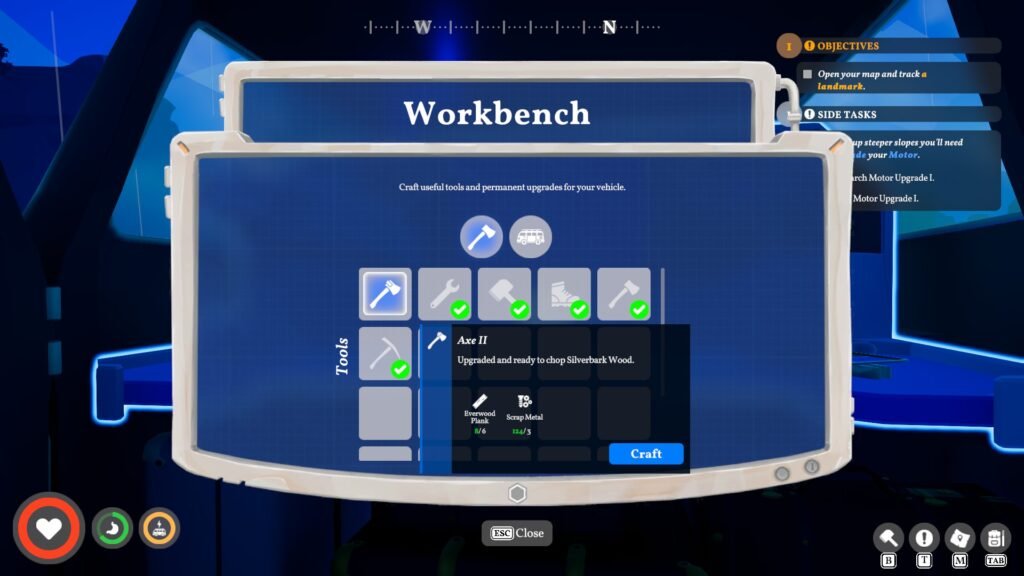
Now that we have the axe blueprint, it’s time to craft it. Head to the back of the van, open the door, and interact with the Workbench. You will need Everwood x2/ Scrap Metal x1 to craft the axe.
- Everwood: They are tree logs, basically found all around the map. I would advise looking for an area with a healthy amount of grass; you will find a couple of them lying around.
- Scrap Metal: They are always found near the towers, basically discarded large steel components. Pick them up, and they will be automatically added to the inventory.
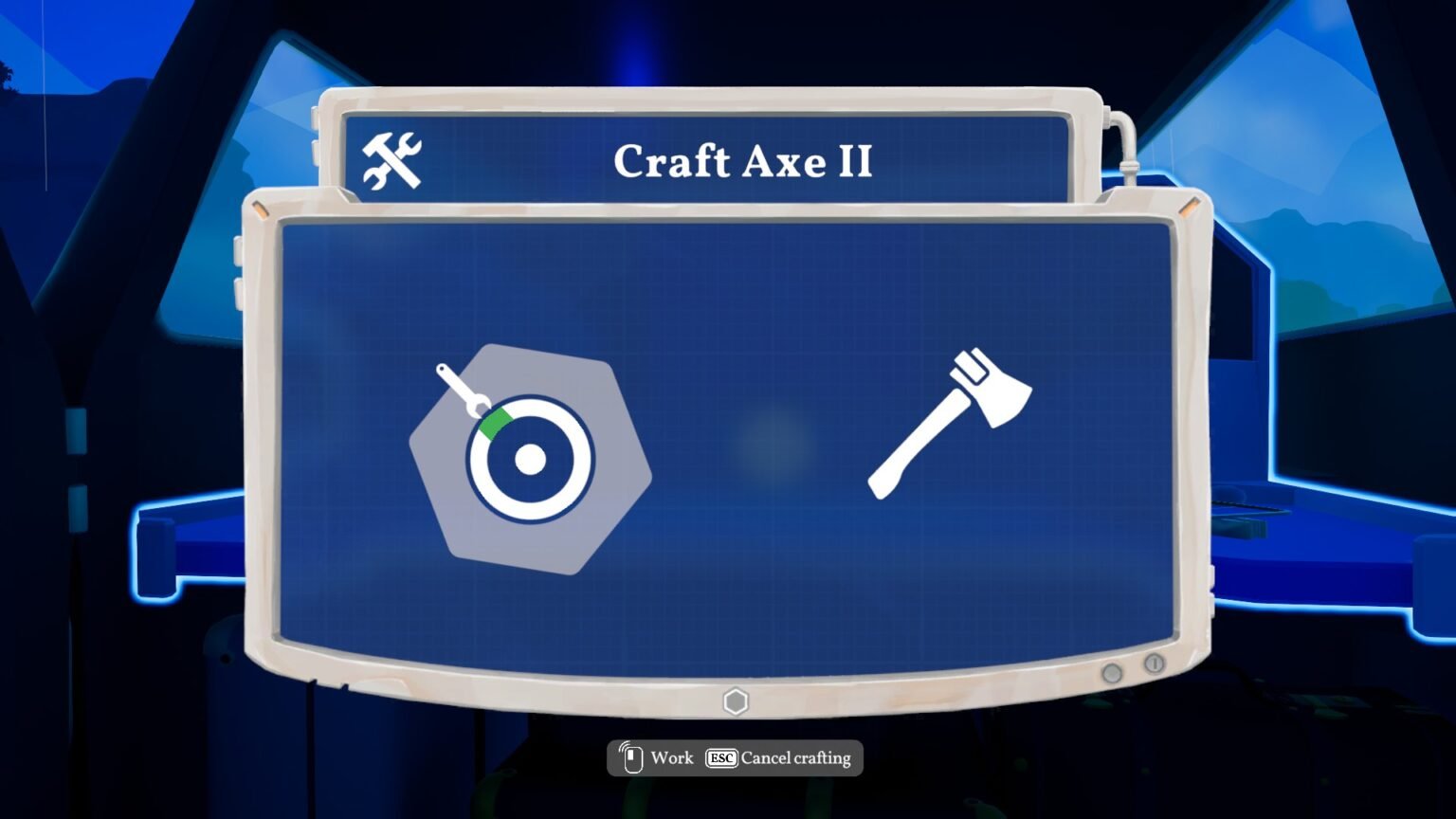
Click on the Axe in the Workbench screen to start crafting. Here, you will take part in a minigame to complete the axe crafting. Don’t worry, the mini game has no repercussions; you just have to click when the bar around the circle is over the green area. Just time your clicks to craft it.
And voila, you have an axe in your inventory. That’s just the basic axe, now you can chop down dead tree logs. Do note, you will not be able to chop down trees around the map or use them manually to swing at a rabbit. The process of using the axe is automatic; your character will automatically pull out the axe when you are standing near a large tree or log. There are no shortcut keys that you can use to pull out the axe.
Is there any way to upgrade the Axe?
Yes, you will have to craft an axe again by getting a new blueprint and using the same list of materials. Head to different towers, and you will eventually find blueprints to craft Axe II or III. Suffice it to say, the requirement for materials will increase for each level of Axe crafting.
The same process repeats; you will need to gather material and interact with the Workbench to craft Axe II or Axe III. The newer axe will automatically replace the older one.
If you want to know about your current stat or level details of your axe, you can press ‘Tab’ for a quick view or head on to Journal to see all the unlock details of each tool type you have unlocked in your entire Outbound game session. If you don’t want to chop down the tree logs, you can give the task to your friends by inviting them to your game.
