




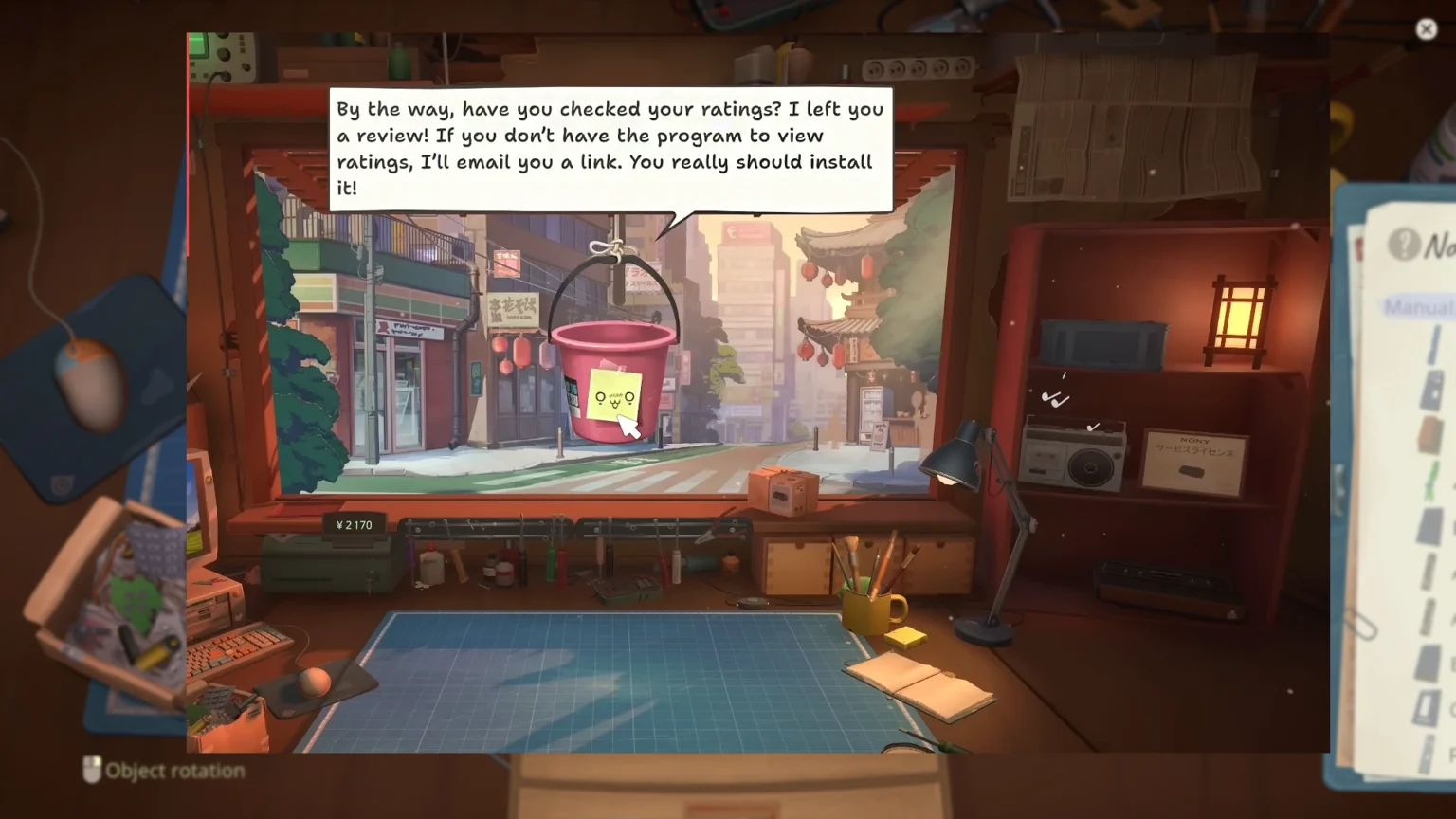

Bad ratings are always a sign of dwindling business; if not improved, the road to closure will be sooner than you imagine. In ReStory: Chill Electronics Repairs, after fixing a few products, the game introduces the rating system. Here, all of your past and future customers will leave a review after their experience with your shop. There are many ways to mess it up and ways to fix it; here we take a look at how to increase the shop rating in ReStory: Chill Electronics Repairs.
Rating System Explained in ReStory: Chill Electronics Repairs
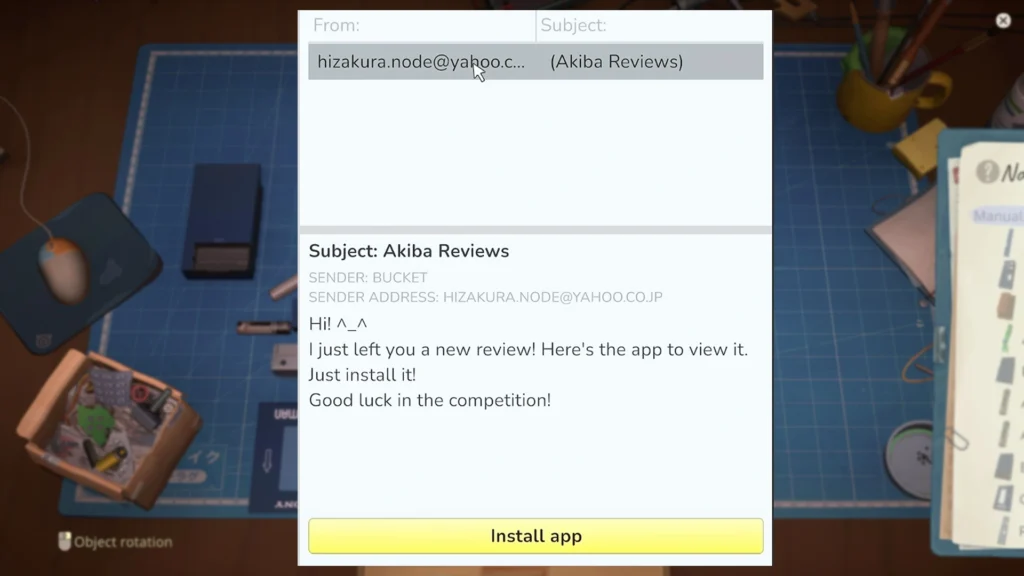
Once you get five reviews, meaning fixing up five dusty or broken devices, the Bucket NPC will send you a link to the Review App for your shop. Open the mail, and you will receive an email from Bucket. Open the link to install the app. After a few seconds, the Reviewme app will be installed on the computer. Check the app to see your current rating; satisfied consumers will leave a 5/5 stars while unsatisfied consumers will leave a low rating.
How To Improve Ratings in ReStory: Chill Electronics Repairs
- Pay your bills: Missing bills can easily break the flow of the game, where the number will pile up, creating more stress and damaging your reputation over time. Most of your spending should go to License purchases, then Tool upgrades, and lastly Decoration purchases.
- Decoration Purchase: Decoration is linked to the Zen rating. When you clear up the garbage from the shop, you will get a Zen rating. This sets the overall appearance and aesthetic of the shop for the consumer. Once you start adding new decorations to the shop, it will increase the Zen rating and the reputation.
- Meet Deadlines: While some work can be done in 5 to 7 minutes, others require a specific time limit. Here you must work fast and get into the groove of things. The faster you repair the device, the more complete work you will perform in a day, which leads to considerable income generation. Try not to miss too many deadlines, or you will have to deal with nothing but a few stars for the app.
- Accept “Handleable” Orders: While the potential payment for certain jobs might catch your eye, if it is going to take too long to complete, then it is better to skip the repairs for that product. Only accept orders that you will be able to finish on time. This will greatly enhance your earning potential per day and also maintain the overall reputation of the shop.
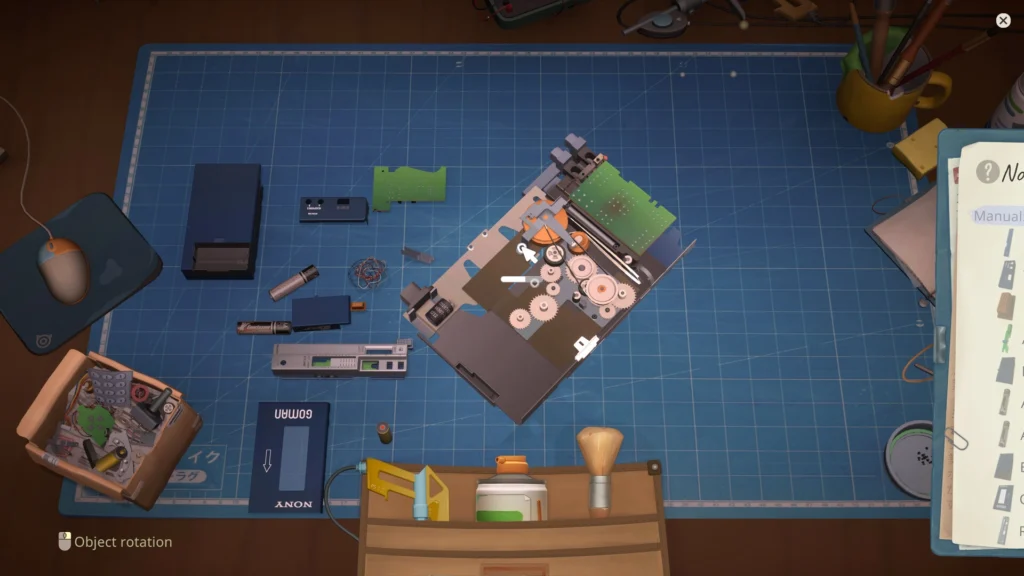
- Make no mistakes when repairing: Clean all the dust from all the different parts of the device before reassembling it for the client or customer. Not thoroughly cleaning the components will make the consumer leave a bad review for the shop.
- Keep the Shop Clean: Use the trash can to push all the waste from the repaired devices and unnecessary objects lying on the shelves or desk around your shop. Your goal is to keep the shop looking as clean as possible so as not to leave a bad impression on the customers.
There was a story event that takes place with Yakuza in ReStory, where your store or shop’s rating goes down significantly, but don’t lose sleep over it; it will go back up since it’s part of a storyline. The game doesn’t point or bring up what you need to clean up, so you must use your intuition to clean the shop as much as you can so that you can improve overall stars from 2 or 3 to 4 and 5.
