




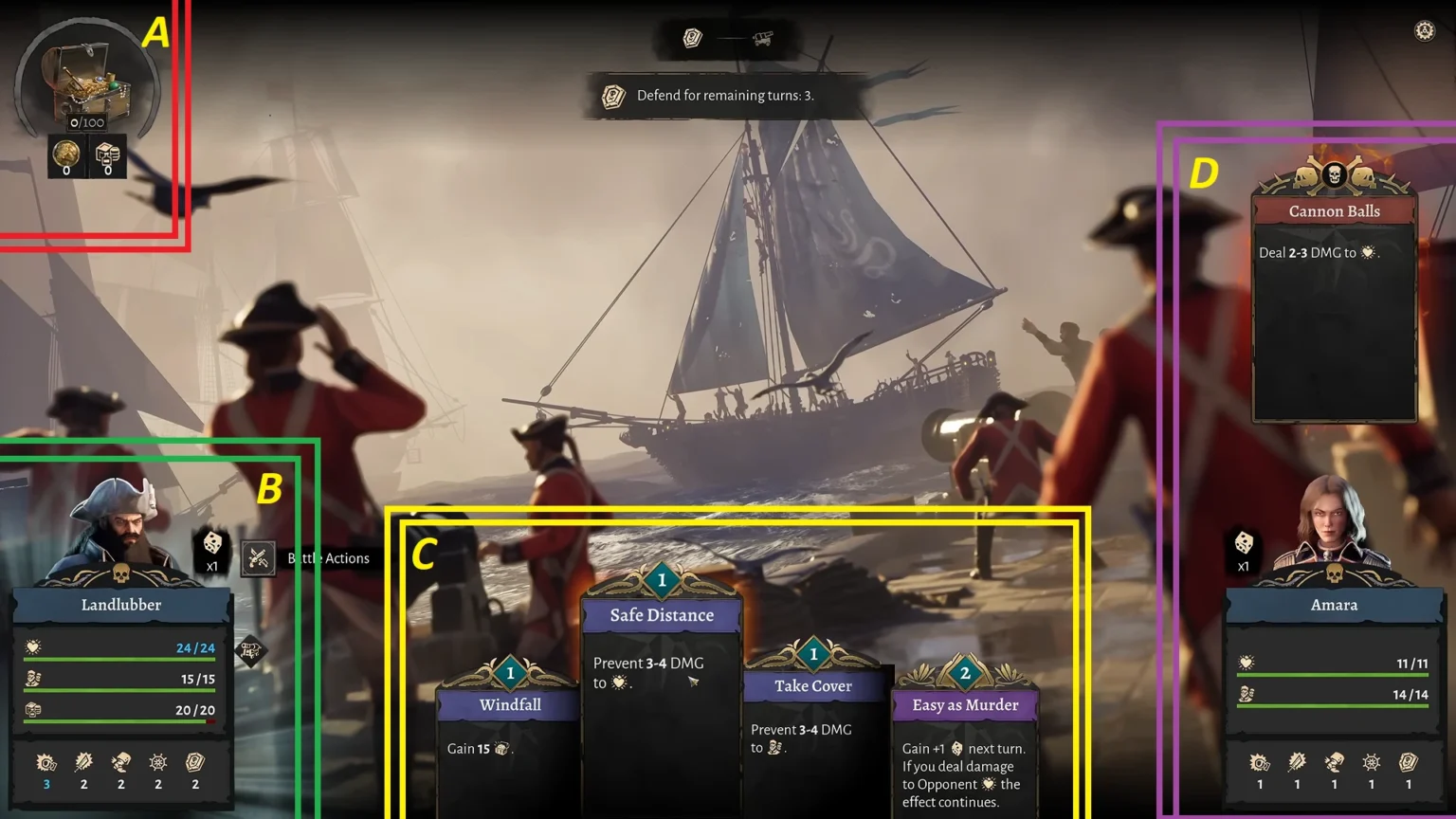

Corsair Cove starts off on a tiny island with a large ocean surrounding it from all sides. Once you build a ship, you can venture out to the ocean to do whatever you desire. Trading, naval battles, or just exploring becomes a large part of the game. But to do all that, you will need to build a ship. Here in this guide, you will learn all about building a ship and taking it out to the sea in Corsair Cove.
Building a Shallow Pier
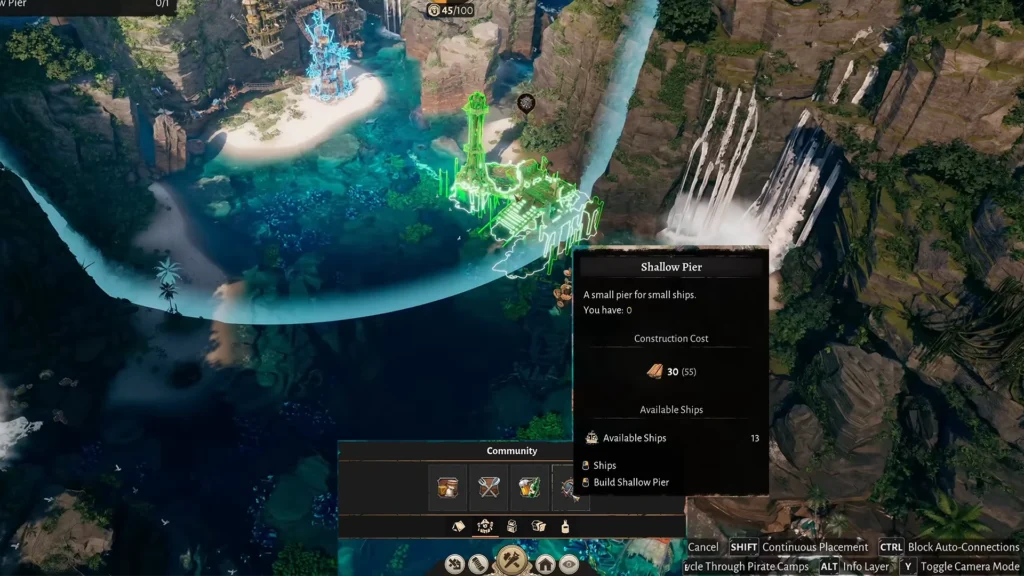
First, we need to build a Shallow Pier; this will serve as a dockyard for the ship. You will need to have 30x wooden planks to create a single Shallow Pier. We can place the foundation for a Shallow Pier for free, then we can provide the planks to the foundation site to get started on the construction.
To place the foundation for a Shallow Pier, head to Building > Community, and you will find the option to build a Shallow Pier. Do note, this is not the actual building; this is basically the plot for the building. We have to connect two buildings to deliver the material to get the construction work started.
Note: You can’t place a Shallow Pier at any random location on the island; they have predefined locations where they fit right in.
Now that the foundation of the Shallow Pier is placed, it’s time to deliver the planks to the construction site to start the building process. You will have all of your planks at your Warehouse, so connect the Warehouse to the Shallow Pier construction site to deliver the 30 planks.
Congratulations, you have successfully built the Shallow Pier; now we move on to the ship section of the gameplay.
Building a Ship
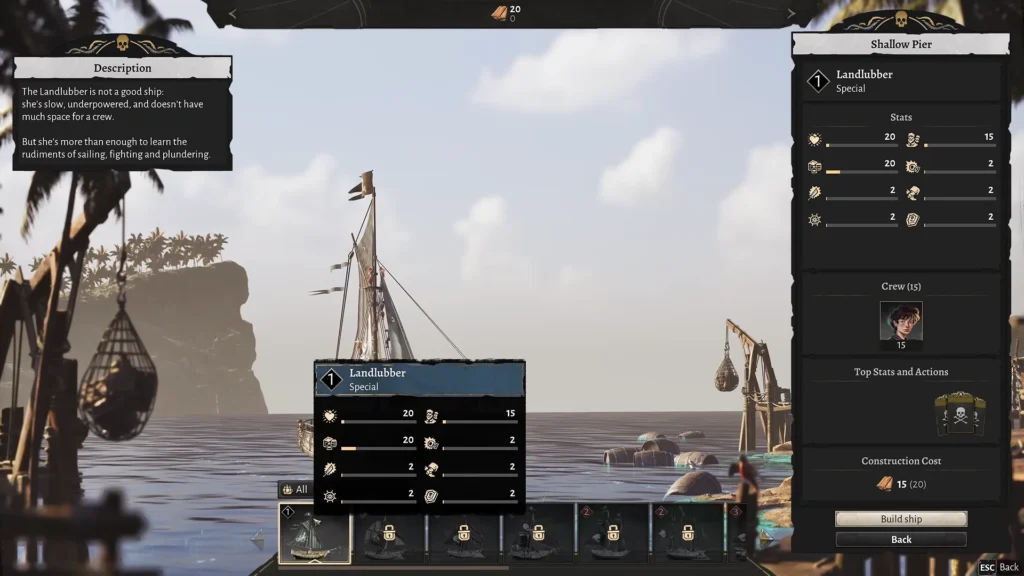
Click on the Shallow Pier, and choose the Start Ship Construction option. When you are starting out in the game, you will only have access to one ship named Landlubber. It’s a Tier-1 ship that will cost 15 wooden planks to build. Since it’s the only ship that you will have unlocked in your game, click on Start Ship Construction > Landlubber, and then choose the option to Build Ship to craft a ship.
Now we have a ship, but it’s empty; it has no captain or crew. We need to have both of them to take the ship out to the sea for the adventure.
Selecting The Crew
Click on the ship at Shallow Pier, and it will open the menu for our ship; it covers all the information about crew/ captains/ managing crew, and the option to upgrade to Trade Pier. The first thing you must focus on is to add crew until you hit the limit. Landlubber, the first ship you unlock in the game, has a crew capacity limit of 15 and a slot for a single captain.
Note: Crews are not a special type of people you will come across in the game; any Drifter on your island can be crew. Make sure to fill the ship up with 15/15 crew for a perfect sail.
Assign the Captain
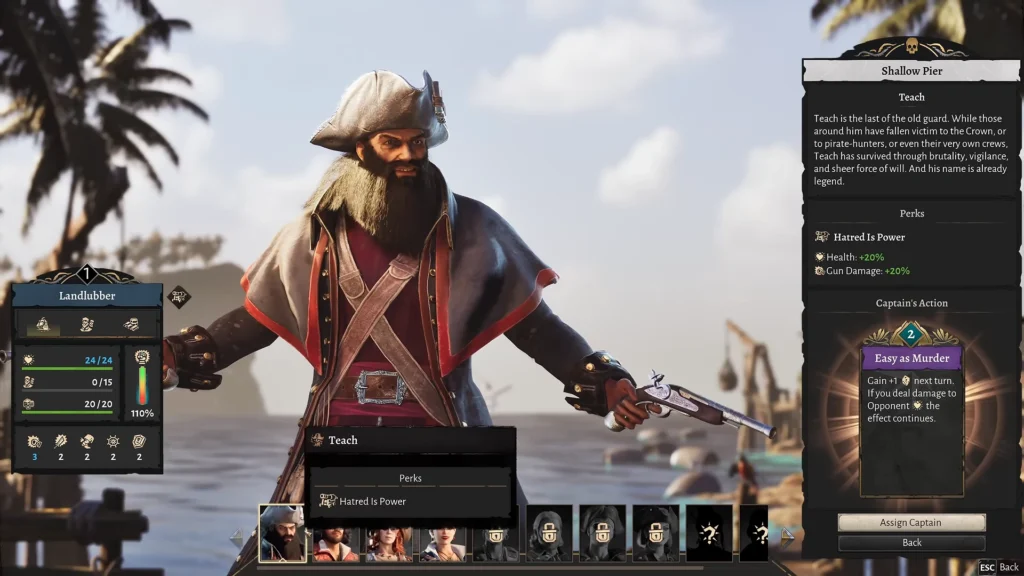
Now, the second step is to choose a captain; each one will have their own perks and abilities to make your ship’s combat different from the other captains. At the start of the game, you will have access to four captains: Teach/ Kanja/ Scarlet/ and Honorata. There are 7 more captains that are locked behind game progression.
Choose the captain that fits your needs. If you want to cause as much destruction on the ocean, then Teach is your ally, as his perks deal more gun damage and provide a boost to the ship’s Health.
Once everything is set up, you are ready to embark on a journey in the sea, where you will explore and face countless naval battles.
