




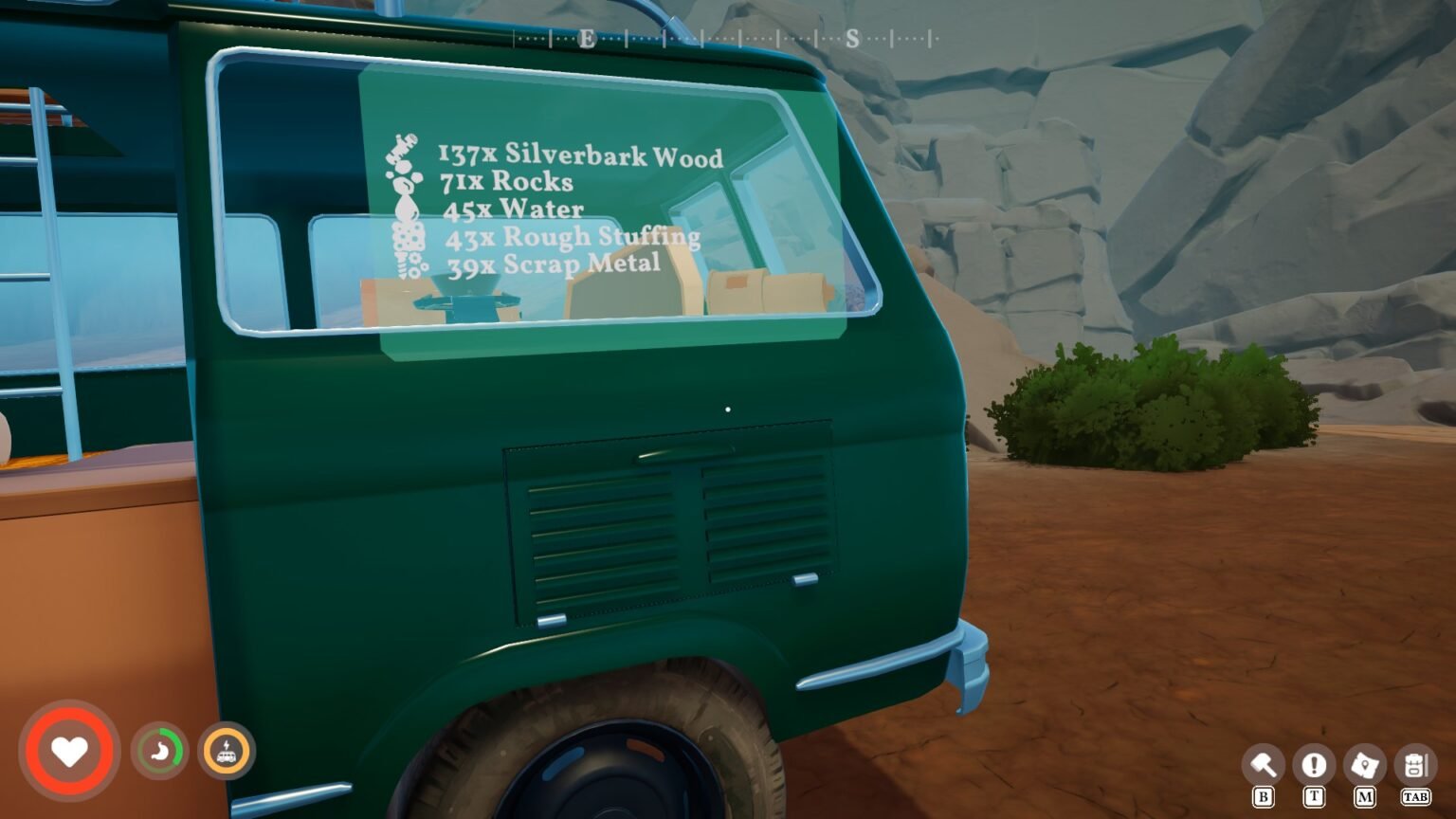

Outbound inventory management is similar to the Resident Evil games; you must make a decision every time you step out of the van to explore. If you start to carry everything you see, you gain the status of overencumbered, which means a slow travel back to the van. While on the surface, the inventory management may look simple, it is deep, and there are tricks you can use to bypass most of the issues with it. Here is a complete guide that delves into every inch of the inventory-related systems in Outbound.
Backpack Storage
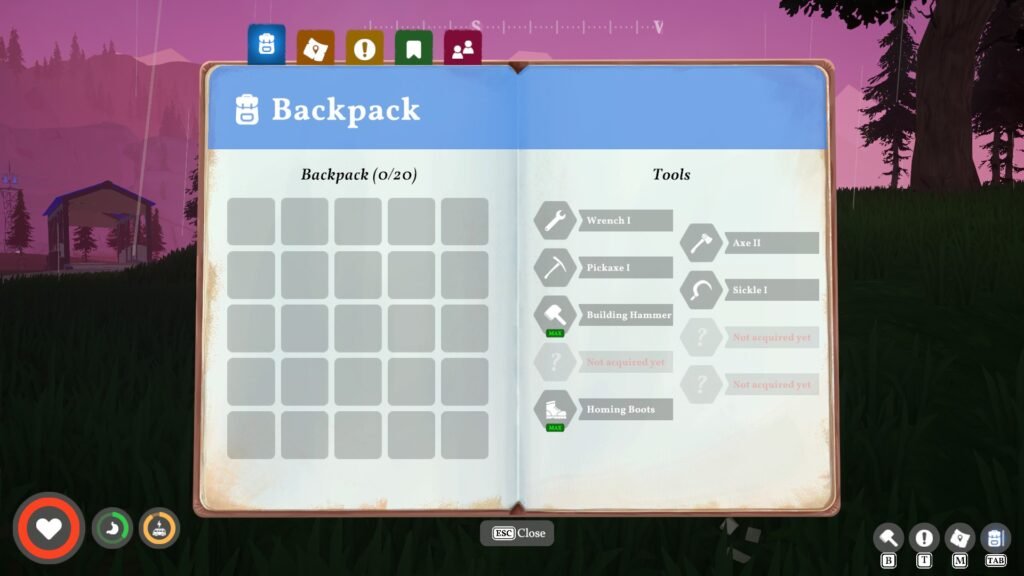
From the start of the game, you can access your backpack by pressing the Tab key on the keyboard. Whatever stuff you pick up in the game, from a discarded banana peel to a tree log lying around the ground, they will get stored inside the backpack.
Before you get started with hoarding, the backpack space is limited to 20. Which means, if you grab an X20 banana peel, the inventory will get full, leaving you with an over-encumbered status. At first glance, some might assume x20 space is for 20 different items, but in reality, the game follows a different rule. Even if the item is stacked, each item takes a single space in the inventory.
So 20 of anything can easily become a burden, but luckily for us, we can use a way to fix this problem. Whether you are playing alone or with your friends on Co-Op, you will alwas going to need more space.
How to increase the carrying capacity in Outbound
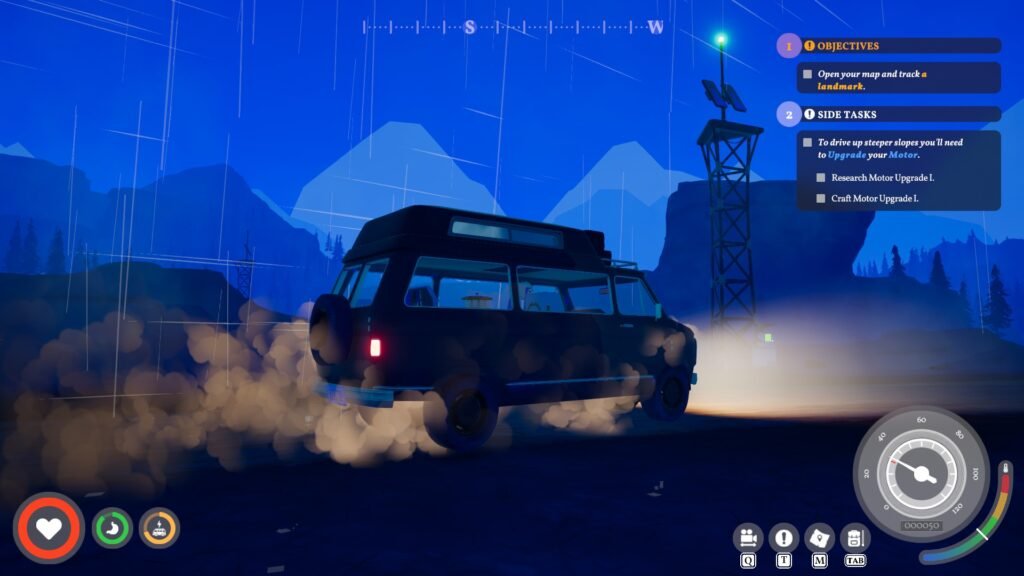
The only way to increase the carrying capacity of a backpack in Outbound is by upgrading its capacity. The backpack upgrade is tied to the Sewing Table. So first, be on the lookout for the blueprints on towers around the world. You will find the Sewing Table blueprint at the terminals in the towers or any landmark locations.
Then head back to your van, set up the camp, press the ‘B’ key on the keyboard to enter the build mode, and now select Sewing Table under Workstation- Basic option panel. You don’t need unique resources; just get x5 Fiber to craft a Sewing Table on top of a container.
After installing the Sewing Table, just click on the machine and select the Backpack Upgrade I for x12 Fiber. The very first Backpack upgrade will increase the overall backpack space from 20 to 40. Scour the map for more blurpints from towers to get better tier backpack upgrades.
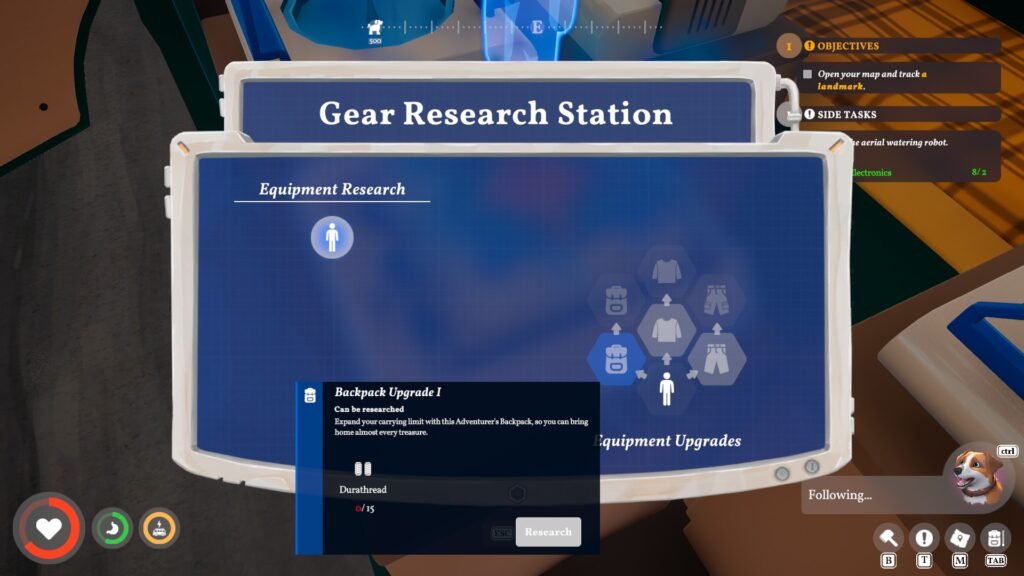
If you find the Gear Research Station blueprint, you can even further upgrade the backpack along with additional upgrades to the shirt and pants. You will need Scrap Metal x2 and Everwood x1 to build one in the van.
Note: The earlier upgrades in Gear Research Station for backspace or cloths, you will need an item called ‘Durathread‘, which can be crafted via Spinning Wheel by spending Durafiber plant found in Chapter 2.
But it’s just the first part of the storage option in Outbound. Now, let’s take a look at the other option: the precious van.
How to use your Van for storage in Outbound
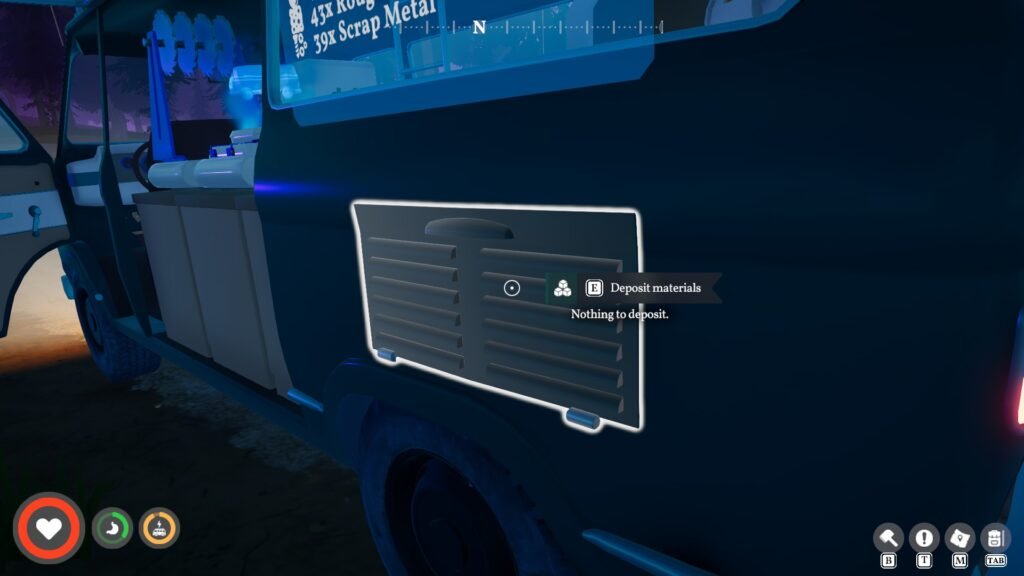
You don’t have to let the backpack carry all the stuff; head to the left side of the van, right near the back tire, and you will find a small space above it. As soon as your camera focuses on the small compartment, near the tire, the game will show Deposit item.
Press the interact button on the deposit container to transfer every item from your backpack to the deposit container. That’s it, this is the main gameplay loop: pick up items in your backpack and then head back to the van to deposit everything, then repeat.
Weight Details
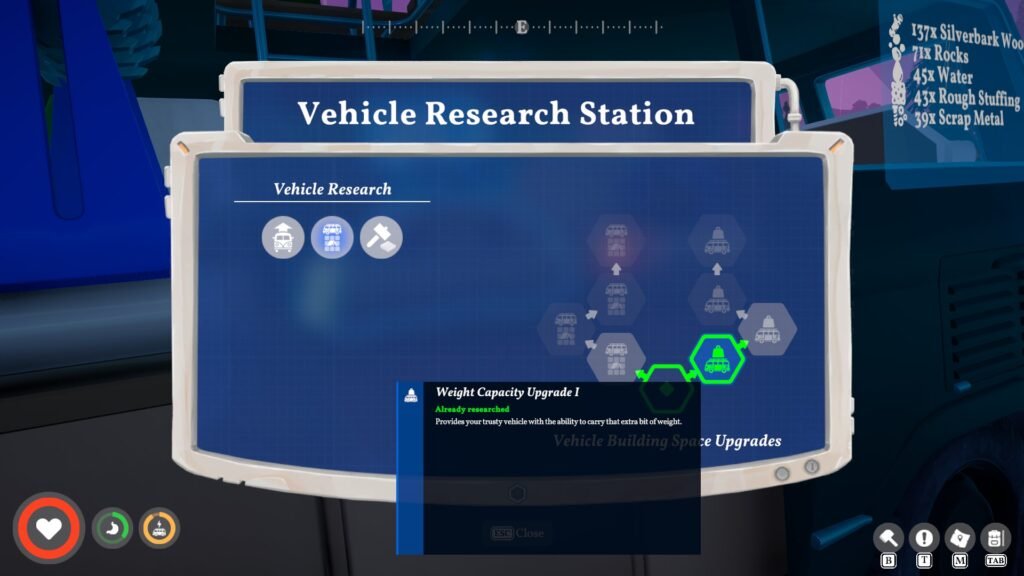
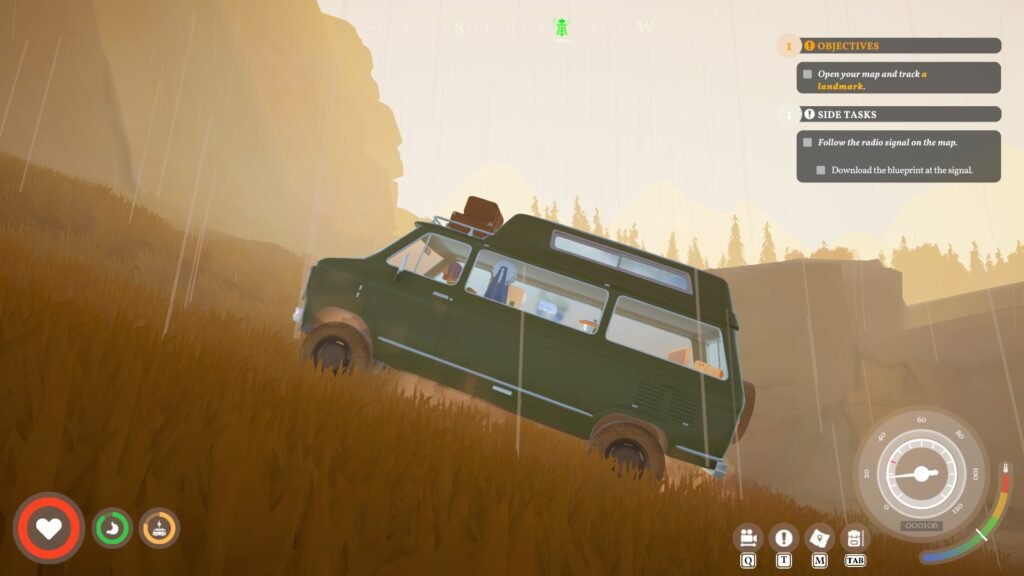
Head to the front of the van and interact with the Motor Info to learn about the current weight. You will feel the weight of the van speeding whether going uphill or on a flat road. Suffice it to say, having too much weight can slow down the speed of the van. Just like the backpack, you can increase the carrying weight of the van by installing Vehicle Research Station and unlocking the Weight Capacity Upgrade 1 under Vehicle Building Space Upgrades.
Note: You will find the Vehicle Research Station blueprint in the terminals at the towers just like any other blueprint.
The more upgrades you get on the Weight Capacity tree, the more the van will be able to carry inside. The max level is at Weight Capacity Upgrade IV, the final one, where you can stop worrying about the weight and just add anything your heart desires to the van. Now that you have made changes to the car, why not change the color of the van as well?
All Storage Options Outbound
Here we will take a look at all the other storage options in Outbound. Make sure to recharge your van before heading out exploring in the wild.
| Larger Storage Containers | Building additional storage for stuff |
| Pet Dog | Allowing the dog to take over the carrying duty |
| External Storage Racks | More storage |
| Backpack | The default storage option |
| Vehicle Deposit box | The best storage option |
| Treasure Boxes | Found near the camp sites, you can store items inside and come back later on |
| Machine Storage | When you use a specific machine, if you don’t take out the end product, it stays inside. Ex: The Food Processor machine creates jam. Once it is created, if you don’t move the jam to the deposit or backpack, it stays inside the machine. |
Inventory Management Hacks in Outbound
When you use a specific machine, if you don’t take out the end product, it stays inside. Ex: The Food Processor machine creates jam. Once it is created, if you don’t move it to the deposit or backpack, it stays inside the machine.
Here, I will discuss all the ways I handled the inventory management and the hacks I used to get past most of the problems with it.
Prioritize the Loot: While every item in the world has an appeal and use, when you are out exploring, just stick to the item that you currently need, so you will always have more for crafting. Focus on a single item instead of grabbing everything your eyes see. Among items to prioritize, I recommend mushrooms as they fill up a good chunk of the hunger meter.
Spam Unstuck: One neat trick that I constantly use that saves up plenty of time is using the Unstuck button on the pause menu. When you press Unstuck, you will immediately be transferred back to the van, no matter the location. Let’s say I am 1000 meters away from the van. If I use the Unstuck button, I will get transferred back to the van almost immediately. Which means I can store everything in the van without being bogged down by the weight of the items.
It’s a cheap hack trick that came in handy a lot. After this hack, the inventory management became easier. I can always press Unstuck when my backpack gets full.
Always carry a Voucher: When you are exploring, you are bound to find towers to recover blueprints. But the terminal at the tower will not hand out the voucher for free; for that, you need to submit a voucher. So when you decide to explore and find a tower, you can use the voucher to retrieve the blueprint instead of crawling back to the van.
Tips for Storage
- Focus on backpack upgrades at the beginning, then move on to the van’s storage later on. The first upgrade is crucial, as it increases the storage space from 20 to 40. It might not sound like a lot, but it saves you from constantly going back and forth.
- Use Cache Drop, build a small storage container on the map, and put your stuff inside so you can carry it later on.
- Remember, there is no other way to get rid of overencumbrance; you must discard all the items either on the ground or into any sort of container.
- When you are out exploring, carry vouchers and food, and put everything else to the side.
- The item’s rarity matters; grab only the useful ones and pay less attention to the rest. For Ex, if you see a pile of scrap metal, grab it instead of flooding the backpack with nothing but Tulips or garbage.
- Setting some items to their refined state can save space, as they take up less space in the inventory.
- Lastly, use the Unstuck button as much as possible to save plenty of time walking back and forth between spots.
