



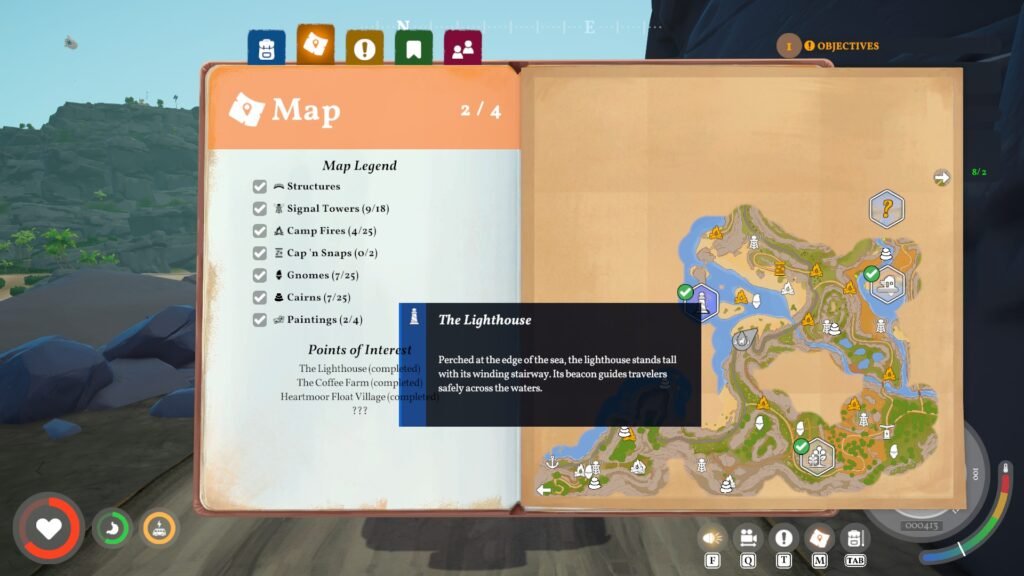
The lighthouse in Outbound is a beacon of hope for the player to find another blueprint, since it is a point of interest area in the game. And just like any other POI zone, here you must solve the problem with the area to fix it and get the achievement and reward. The lighthouse in Chapter 2 can be a bit of a complicated section, so here is a guide to help you walk through it all the way from start to finish in Outbound.
How to Fix the Lighthouse in Chapter 2 Outbound
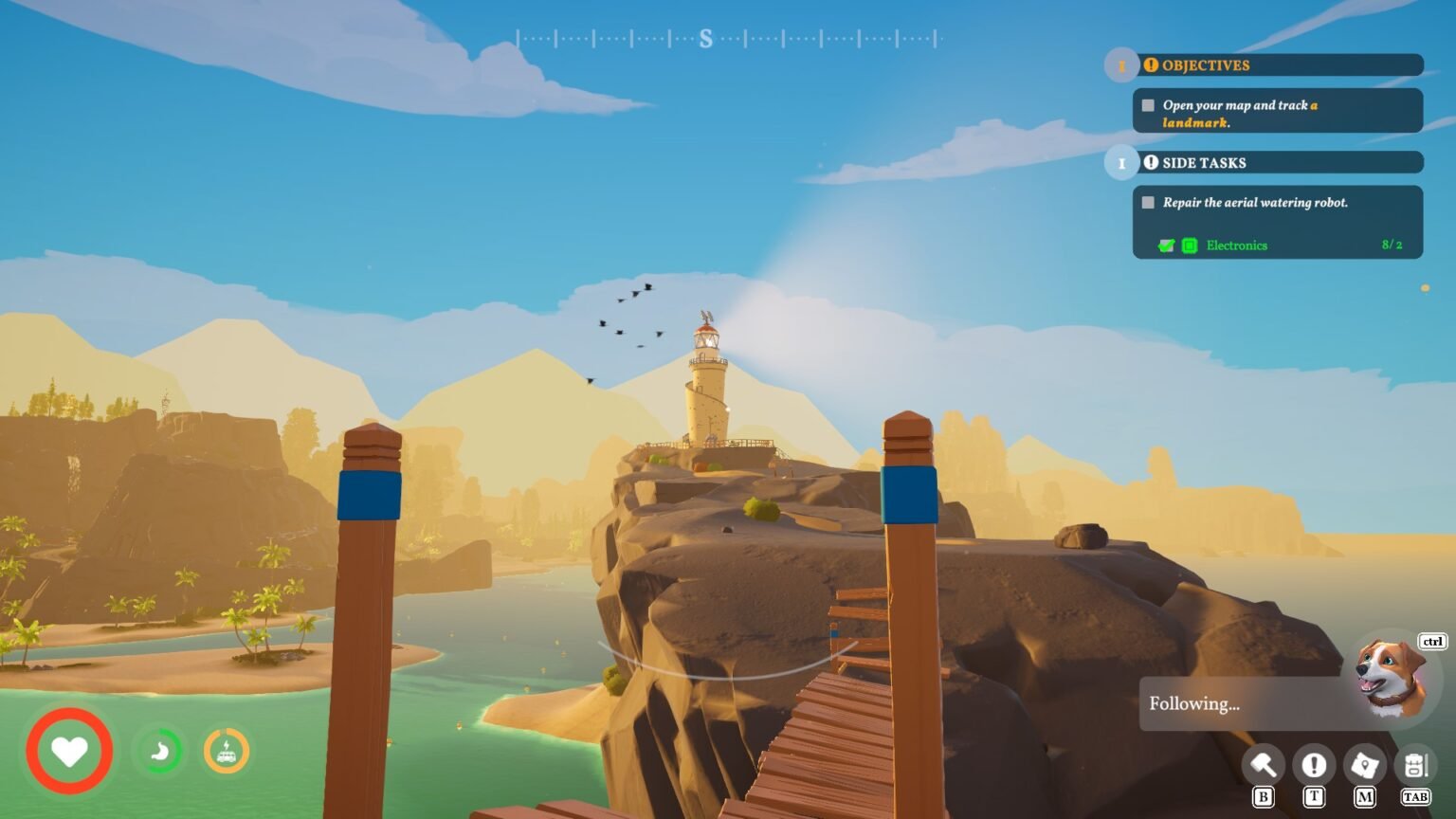
Basically, we have to repair a light and move it to the top of the lighthouse to activate it.
Required Items: Electronics x3 and Redwood Plank (To fix the broken bridge to the lighthouse)
The lighthouse is located near the broken bridge, northwest of the second region, Coast. It is a lighthouse, so it is quite a big structure in the game, but not as large as the lighthouse that we saw in games like Bioshock. The lighthouse here has three rooms, one at the top, one in the middle, and one at the bottom. All three rooms are connected by the staircase, which goes around the lighthouse.
Note: The first floor will have the terminal with the blueprint, but we can’t activate it because the wifi symbol on the terminal will be turned off. The only way to bring the terminal back online is by fixing the lighthouse.
Steps to Repair Light
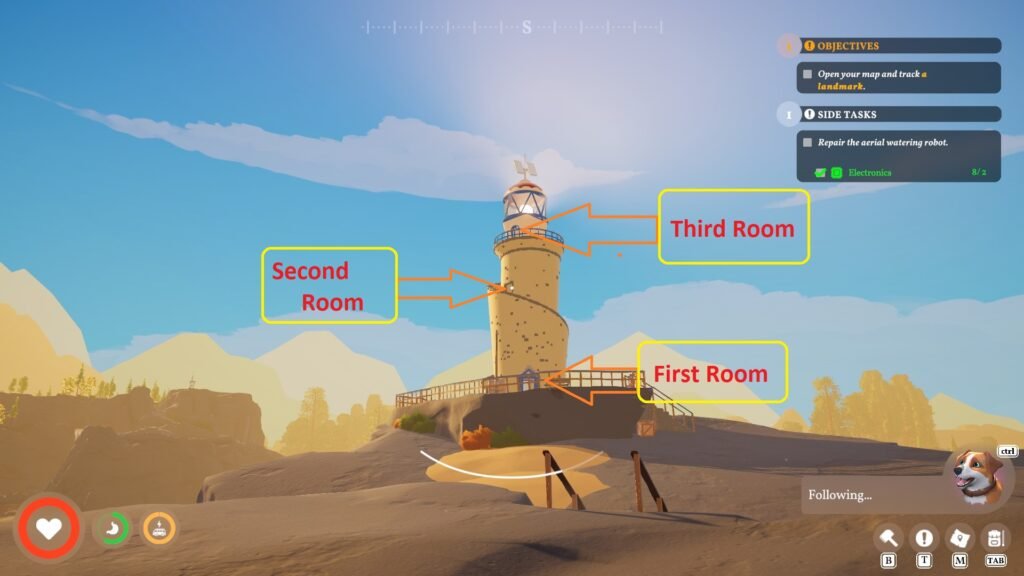
At the bottom of the lighthouse, inside the room, you will find a lever and a repair bench to fix the light. When you interact with it, the bench will ask you to insert three Electronics. Even if you have electronics, nothing will happen. Follow the guide to fix all of it:
- First, head up to the first floor, and pull the lever down [Down Arrow] to lower the light to the second floor.
- Now head to the second floor, and pull the lever down [Down Arrow] to make the light head to the bottom floor.
- Once the light is on the bottom floor, pull the lever to the left [Left Arrow] to move the light to the repair bench. Now insert the Electronics to fix the light. Once the light is fixed, pull the right lever [Right Arrow] and pull the lever up to the second floor. Then to the first floor.
Now that the light is on the first floor, pull the lever up [Up Arrow] to make it go to the top of the lighthouse, where it becomes useful, and the lighthouse will get activated for the sailors at a distance. You will unlock the trophy or achievement,” Edison Approves,” once the light is on.
If you head up to the first floor, you will see that the wifi symbol on the terminal is activated. Find all three items for the terminal to unlock the blueprint inside. You will find the items in the rooms inside the lighthouse; there is no reason to head outside. Having problems figuring out some of the mechanics in the game? Do check out our guide hub for Outbound.
